Zero-Code · built on eBPF · Kubernetes on Linux
Sign-in and enforcement for any service, with no code.
One install on your cluster. It signs people in to your services and enforces what each service and agent may reach, without an SDK, a sidecar or a change to your applications.
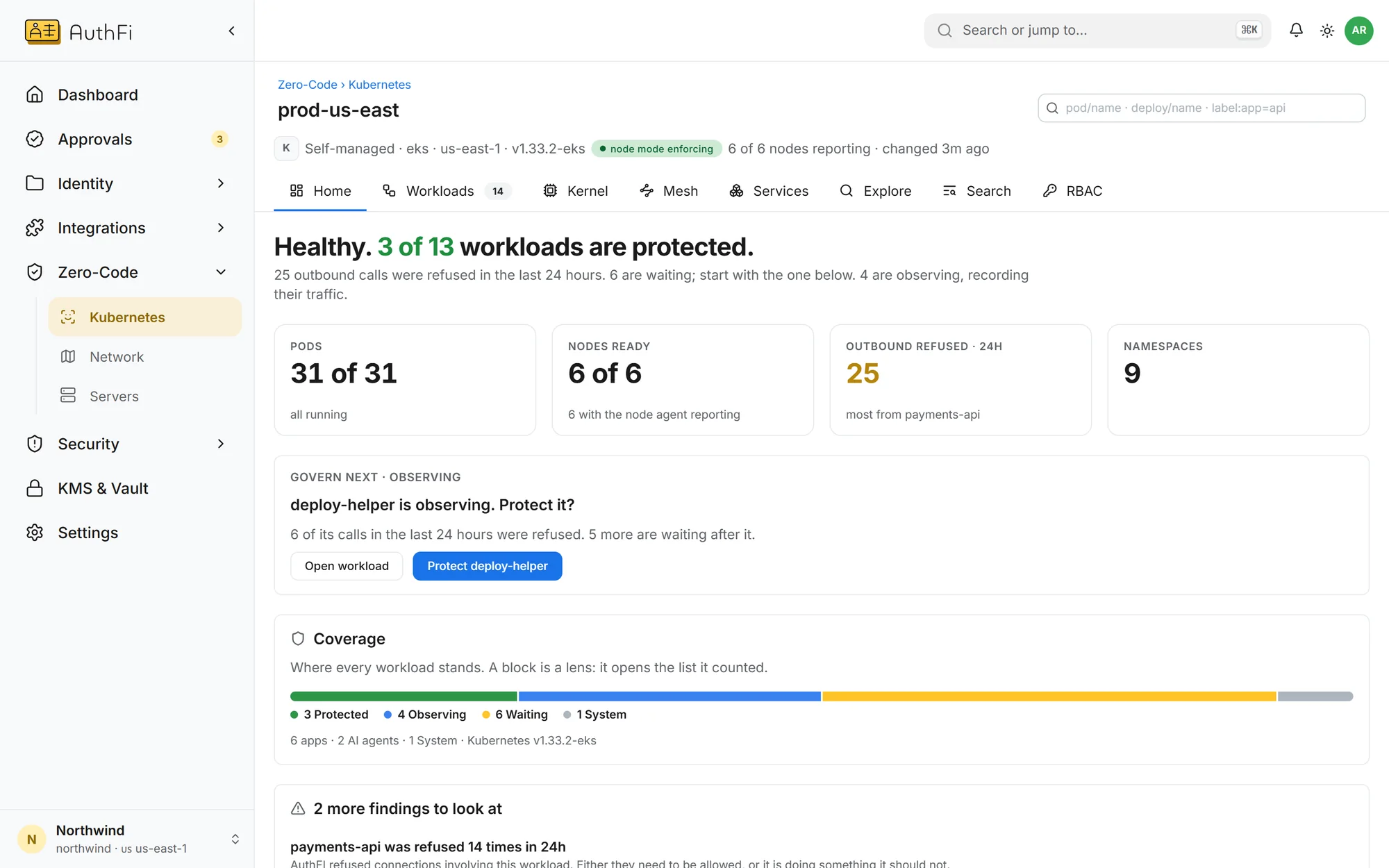
A cluster, after one install
The cluster reports itself: how many workloads are protected, how many are being watched, and which one to do next.
Two things, one install. An SDK puts sign-in inside your application, and a firewall decides what may connect. Zero-Code does both from the node the service runs on, so neither needs a line of your code.
Who is calling
Zero-Code auth
A person in a browser is sent to your sign-in page and brought back with a session
A program’s access token is checked on every request
What it may reach
Zero-Code enforcement
Rules on a route: which roles and groups may call it, and whether it needs a second step
Outbound: where each workload and each AI agent may connect
Zero-Code
auth
The node answers the question an SDK would: who is this? A browser is taken through your sign-in page. A program’s token is checked. Your service receives only callers that passed.
A person in a browser
Sent to your sign-in page and brought back with a session for that one application.
GET /dashboard302 → sign-inGET /dashboardA program calling an API
Its token must be a valid access token, issued for this API. Anything else is refused before your service sees it.
A valid access token
Issued for this API
A token issued for another API
Who is assigned
Putting a service on a hostname registers it as an application. You assign groups to it exactly as you would an app that was integrated by hand.
Zero-Code
enforcement
Then the node answers the second question: is this allowed? Rules on a route, and limits on where a workload or an AI agent may connect, are refused on the machine itself.
deploy-helper
platform · prod-us-east
The connection never left the machine. The agent’s code was not changed.
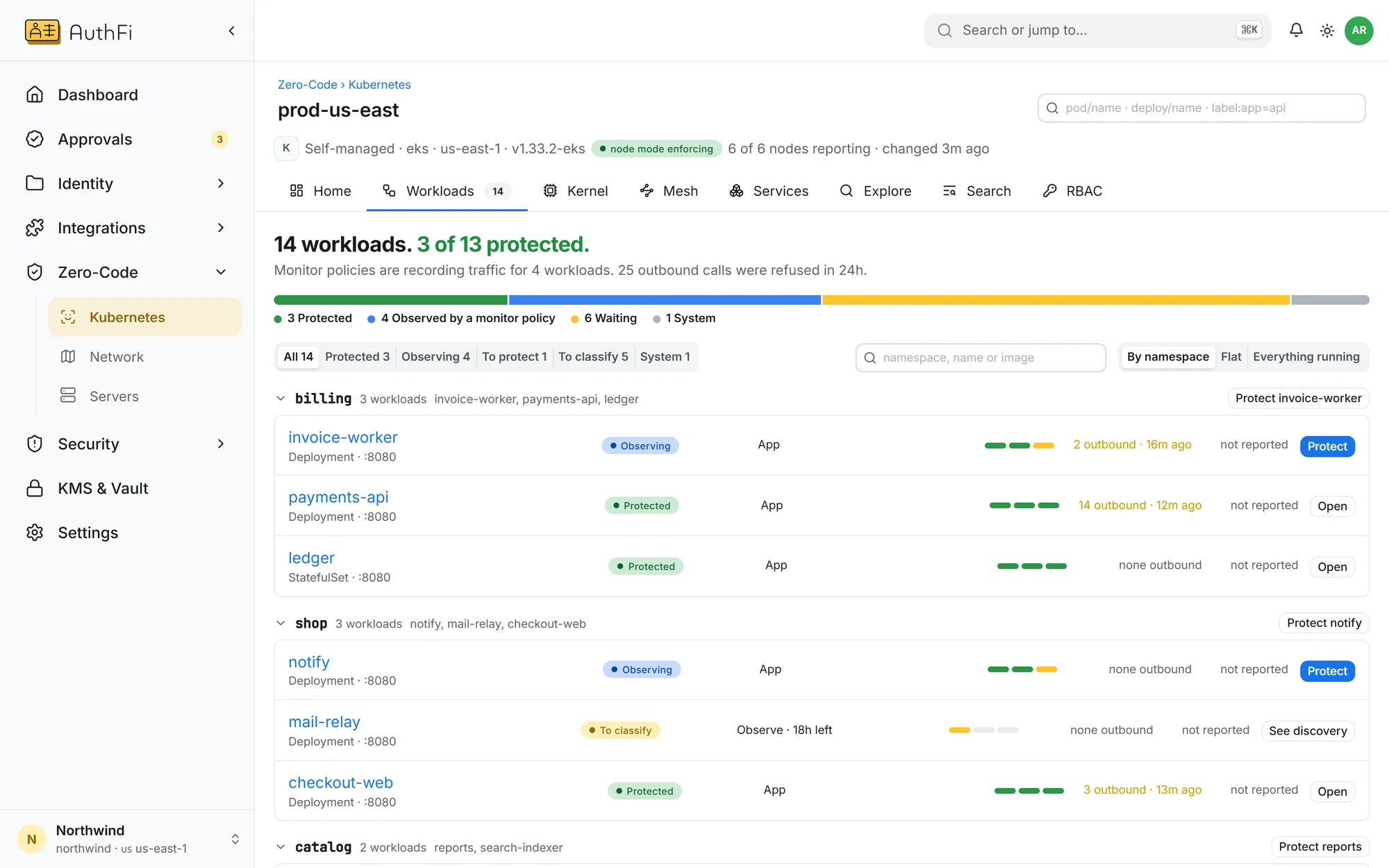
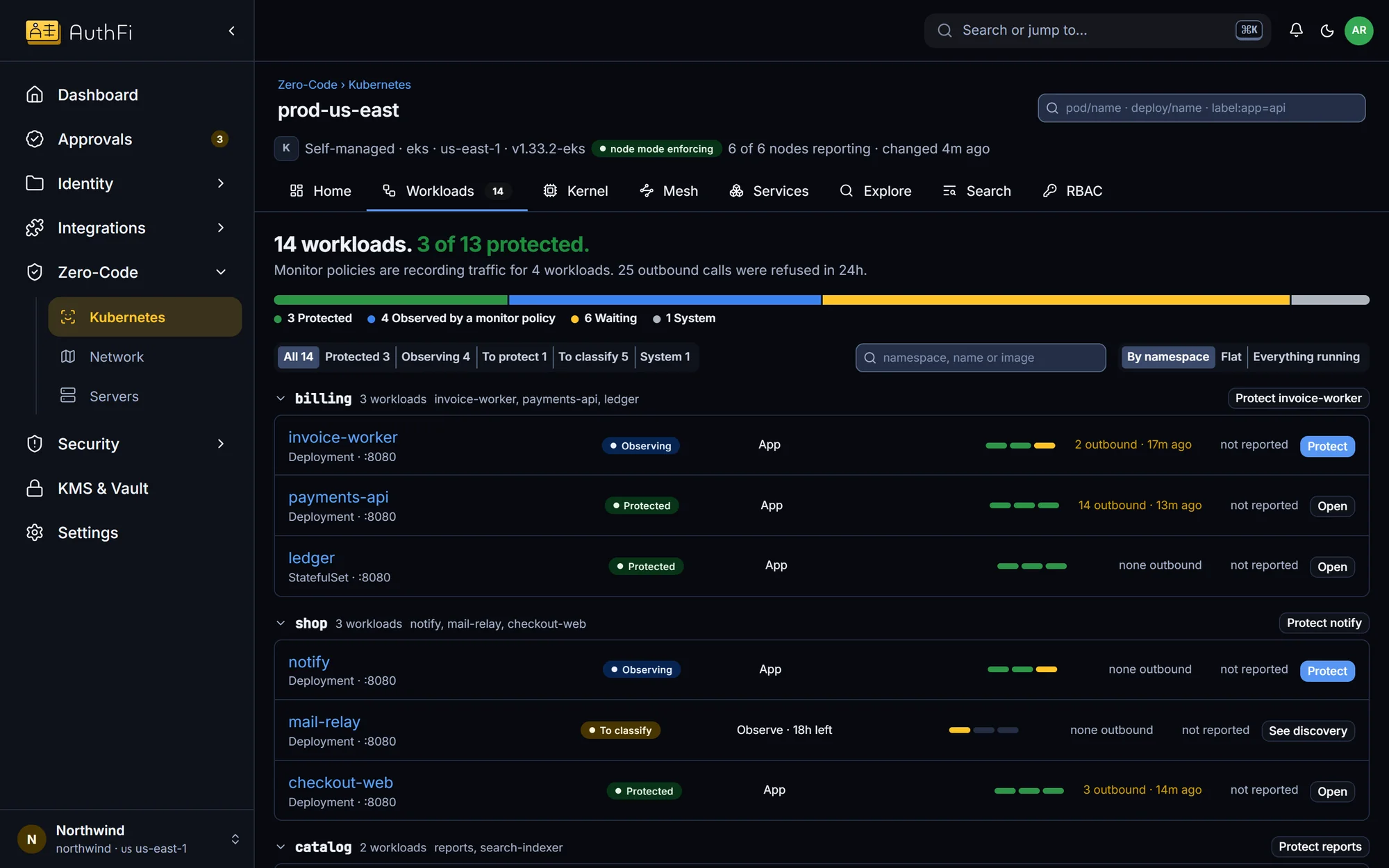
A rule on a route
Which roles and groups may call it. The token was valid; the rule still says no.
Signed in
Token for this API
Group: finance
An AI agent on the host
Refused by the operating system. It cannot opt out by ignoring a proxy.
Connect where it wasn’t granted
Reach the cloud credentials address
Open a raw network socket
Read another process’s memory
Load a kernel program
Rehearse a rule first
Every rule starts in watch-only, and each request it would refuse is recorded with the decision enforcement will make.
Three steps, in an order the product holds you to
You cannot enforce something nobody has looked at. Each service moves through the same three steps, and the console refuses to skip one.
Step 1
Observe
The agent on each node lists every workload and the routes it serves. Nothing can be enforced for the first 24 hours.
Step 2
Classify
You say what each one is: an app, an AI agent, or part of the system. System workloads are only ever watched.
Step 3
Protect
Who may call each route, and where each workload may connect. AuthFI drafts the rules from what it saw. Every rule starts in watch-only and shows what it would refuse; you turn it on, one workload at a time.
Built on eBPF, in the Linux kernel
The checks are small programs loaded into the kernel of each node, with one agent beside them. That is why nothing is added to your pods and nothing in your application changes.
Your workload
Unchanged
No library, no sidecar, no proxy setting. It listens on the port it always did.
AuthFI node agent
Reads the request
Sends a browser to sign in. Checks an API caller’s token, the API it was issued for, and the route’s rule.
Your AuthFI project
Policy down, truth up
Rules and revocations are pushed to the node. The node reports which hooks attached, and which could not.
Inside the Linux kernel, with eBPF
Each hook attaches on its own. A node missing one reports it.
A request arriving
From the network card to your service
XDP
At the network card: source address rules and rate limits.
TC
Hands a protected service’s connections to the node agent.
sockops
Carries the caller’s identity on the connection.
A workload reaching out
Every connection a governed workload opens
cgroup/connect
Only granted destinations. The cloud credentials address is always refused.
cgroup/sendmsg
The same rule for data sent without opening a connection.
cgroup/bind
An agent cannot open a listening port of its own.
What the process does
For agents switched to enforce
LSM exec
Which commands may run, and sudo with a fresh second step.
LSM socket
No raw sockets, the usual way around a connection check.
LSM ptrace · bpf · mount
No reaching into other containers or the kernel.
What it watches
Never refuses; feeds discovery and detection
exec · fork
Every program started, and by what.
connections
Every connection made, attributed to its workload.
DNS
The names a workload looks up.
Read this before you plan a rollout
Requirements and limits, stated plainly. We would rather you read them here than find them in a trial.
Requirements and limitsSix things to know
Where it runs
Kubernetes on Linux, x86. The agent boundary needs a kernel with the BPF security module enabled.
The default
Watch-only at every level. Nothing is refused until you switch it on.
Cluster networking
The sign-in redirect needs the standard kube-proxy mode. On Cilium’s replacement the node can refuse traffic but cannot ask for sign-in.
Traffic it reads
Plain HTTP as seen on the node. Connections already open when you switch on are untouched until they close.
Always let through
Health checks, sign-in callbacks and a short fixed list of common public paths. The list is in the docs.
Your brake
The cluster owner can turn enforcement off on a node. The control plane cannot override it.