Solution · Security
Know which of your rules actually refuse.
A rule that is configured is not a rule that is enforced. One page reads every rule on the platform and says which refuse, which only watch, and which do nothing.
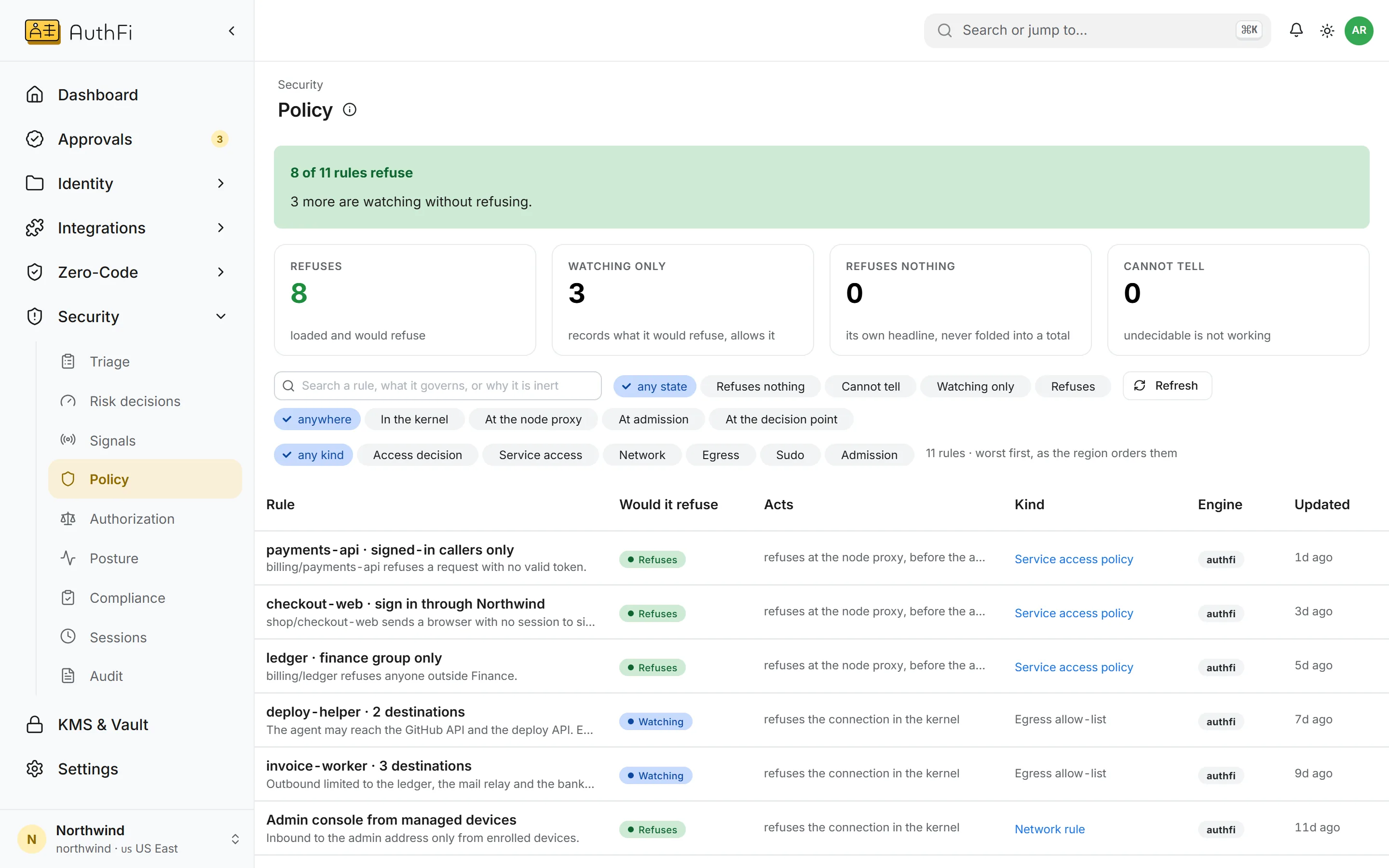
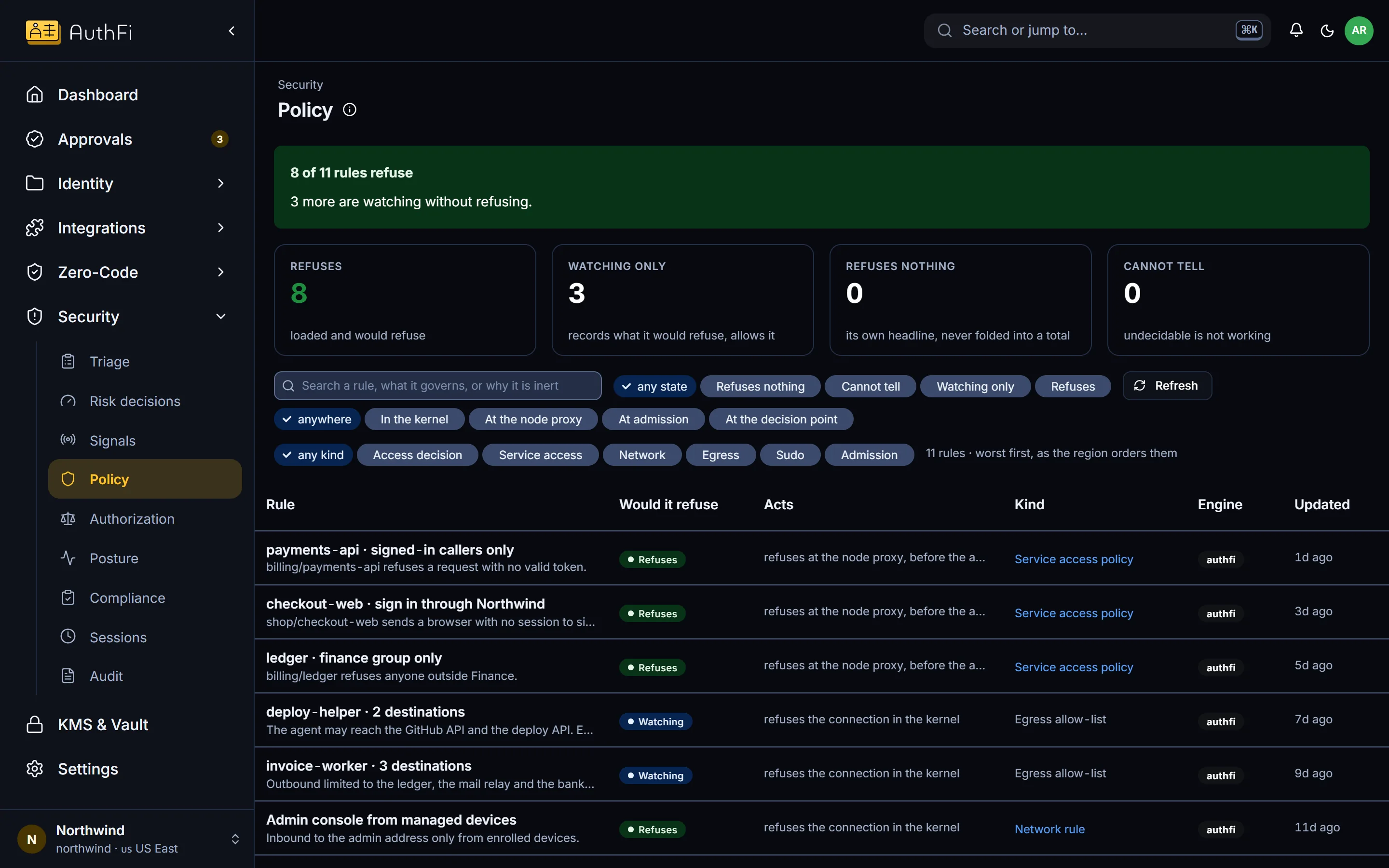
Every rule in force
Rules from every part of the platform on one page, with whether each one actually refuses.
What changes
The problem as most companies have it today, and the same thing with AuthFI.
How it works
Each step, on the screen you would use.
Rules
Refuses, watching, refuses nothing, or cannot tell.
Service access, network, outbound connections, privileged commands and access decisions are read together and each rule is given one honest state.
Four states, never a hopeful tick
Each rule links to the screen that owns it
Counts only what protects
Rehearse
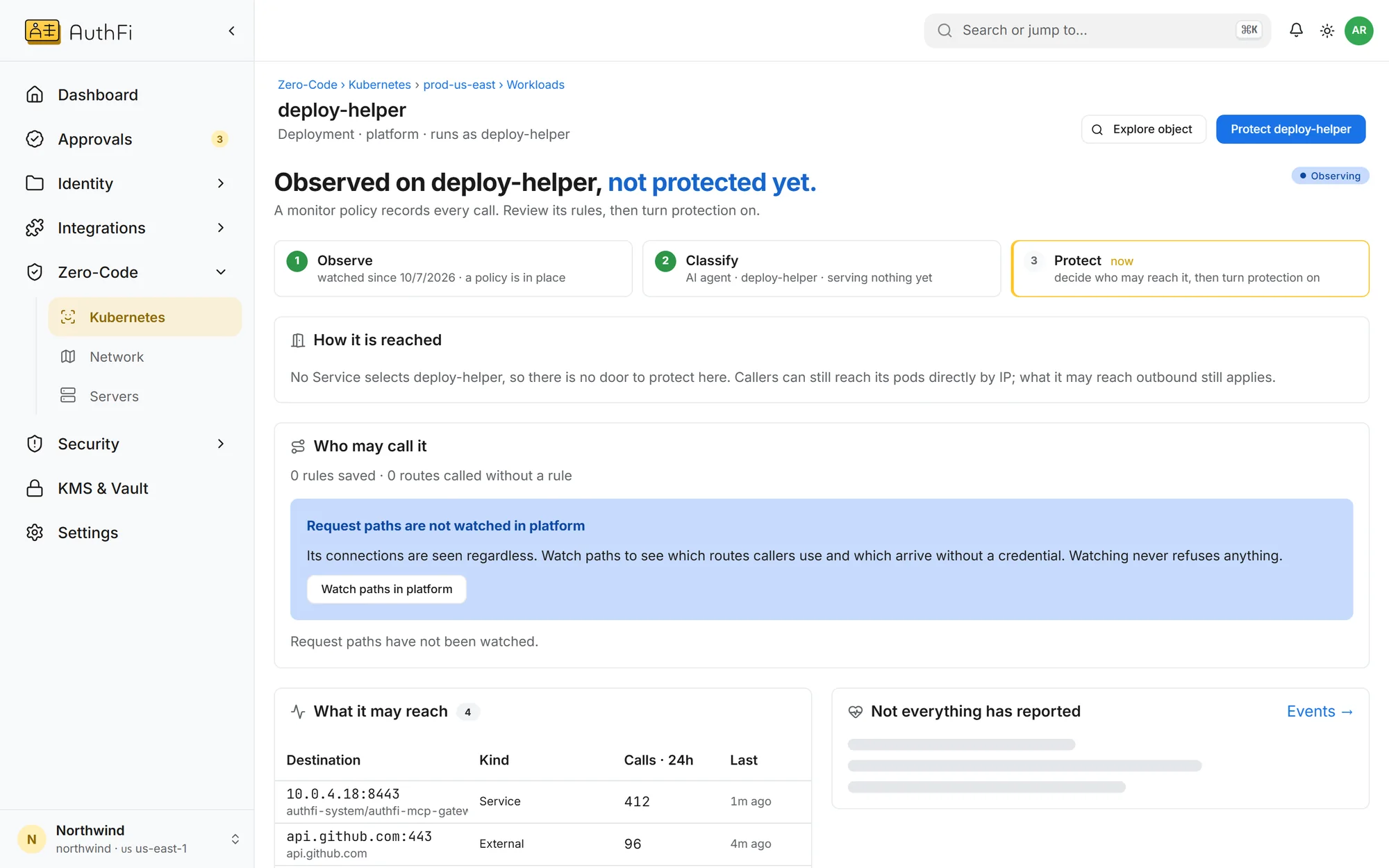
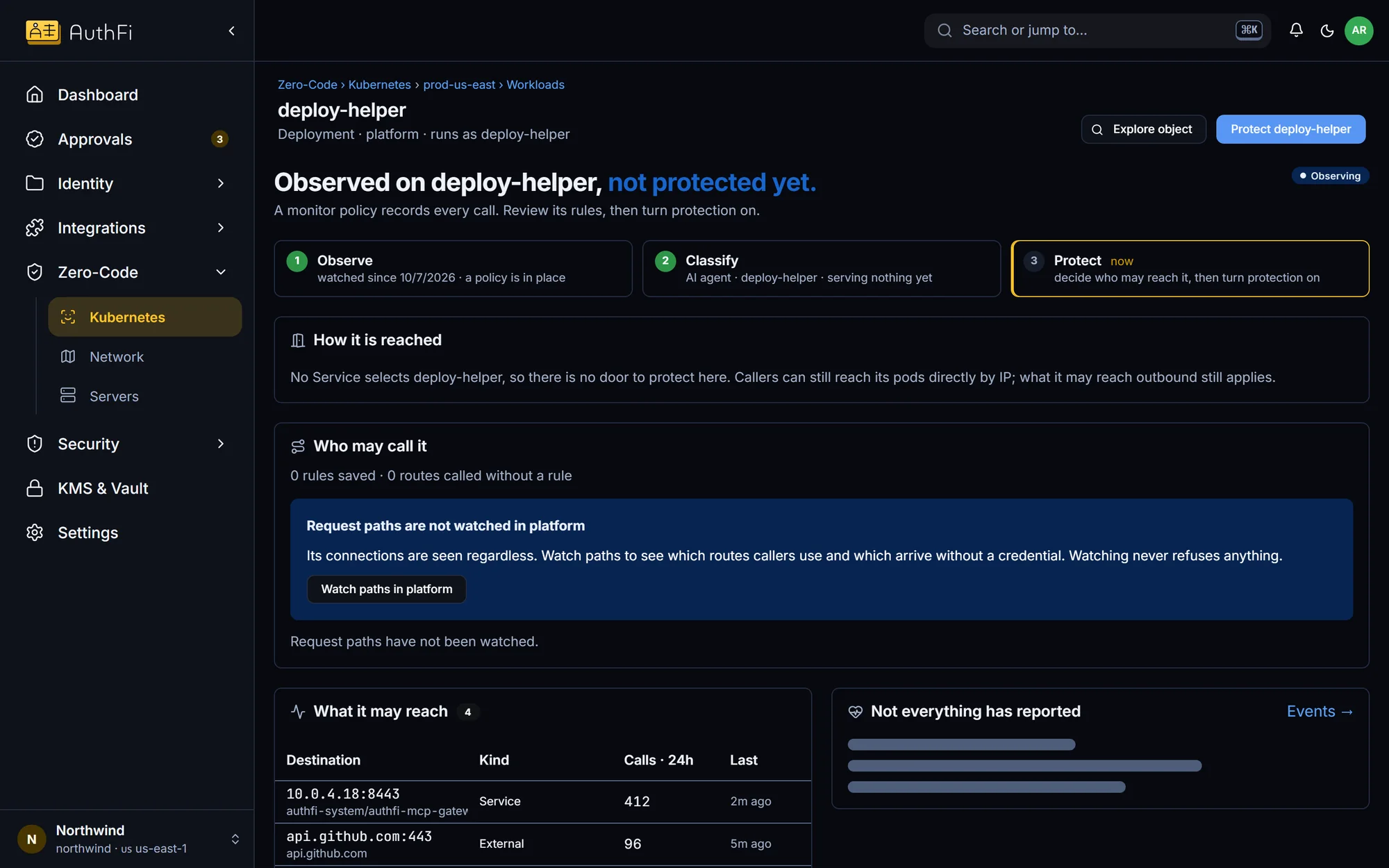
Ask what would happen before you switch on.
Rules start in watch-only and show what they would have refused, so you turn enforcement on knowing the effect.
Watch-only by default
See would-be refusals first
Switch on one workload at a time
Read on
The parts of the product behind this.
Security and audit
The console that says what it does not know
OpenZero-Code
Where rules are enforced
OpenAudit record
What was refused, and where
OpenMore in Security
One record of who did what
Every sign-in, grant, approval and refusal, for people and agents, on one chained record.
See howProtect every account from takeover
Passkeys, a second step on every plan, lockout, breached-password checks and sessions you can end.
See howCatch an agent or workload behaving oddly
Findings when a workload runs something new and reaches out, or a sign-in looks wrong.
See how