Apps and cloud access · in Professional and Enterprise
Access to clouds and servers, with no keys to leak.
One grant decides who may open an application, assume a cloud role or reach a server. What they receive lasts minutes, so there is nothing long-lived to steal.
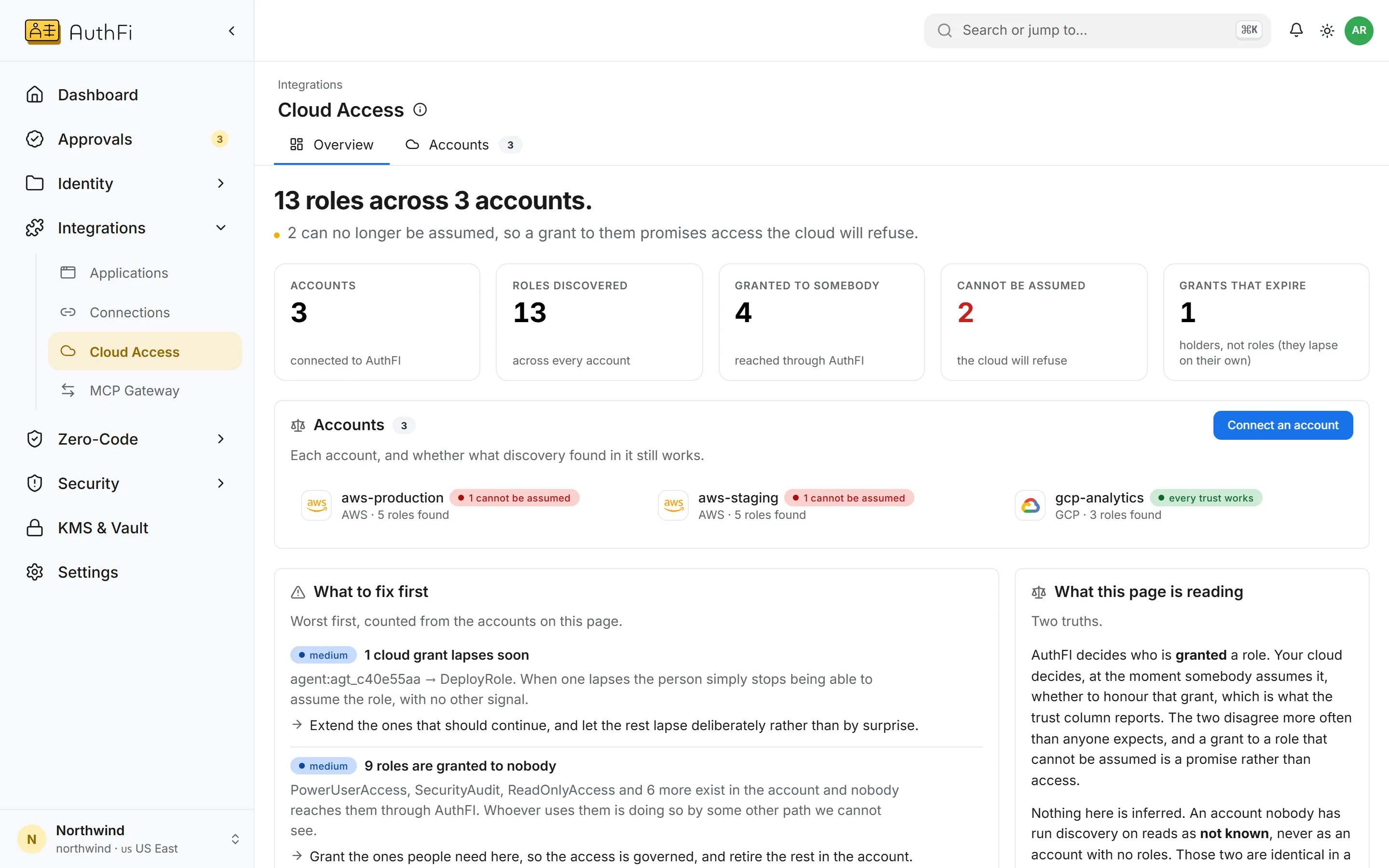
Cloud roles, with no stored keys
AuthFI decides who is granted a role. The cloud decides, when the role is assumed, whether to honour it. This page shows where the two disagree.
One model
The same grant, whatever it opens.
Add someone to a group and their access follows within seconds. Remove them and their next sign-in, token, certificate or cloud credential is refused.
Keyless cloud federation
Cloud roles for people and agents, with nothing stored.
Your cloud account trusts your AuthFI project. A person or an agent that holds a grant exchanges its AuthFI token for credentials that last minutes.
AuthFI finds the roles in each account and checks that each can still be assumed
A grant can carry an end date, and lapses on its own
Works with AWS and Google Cloud
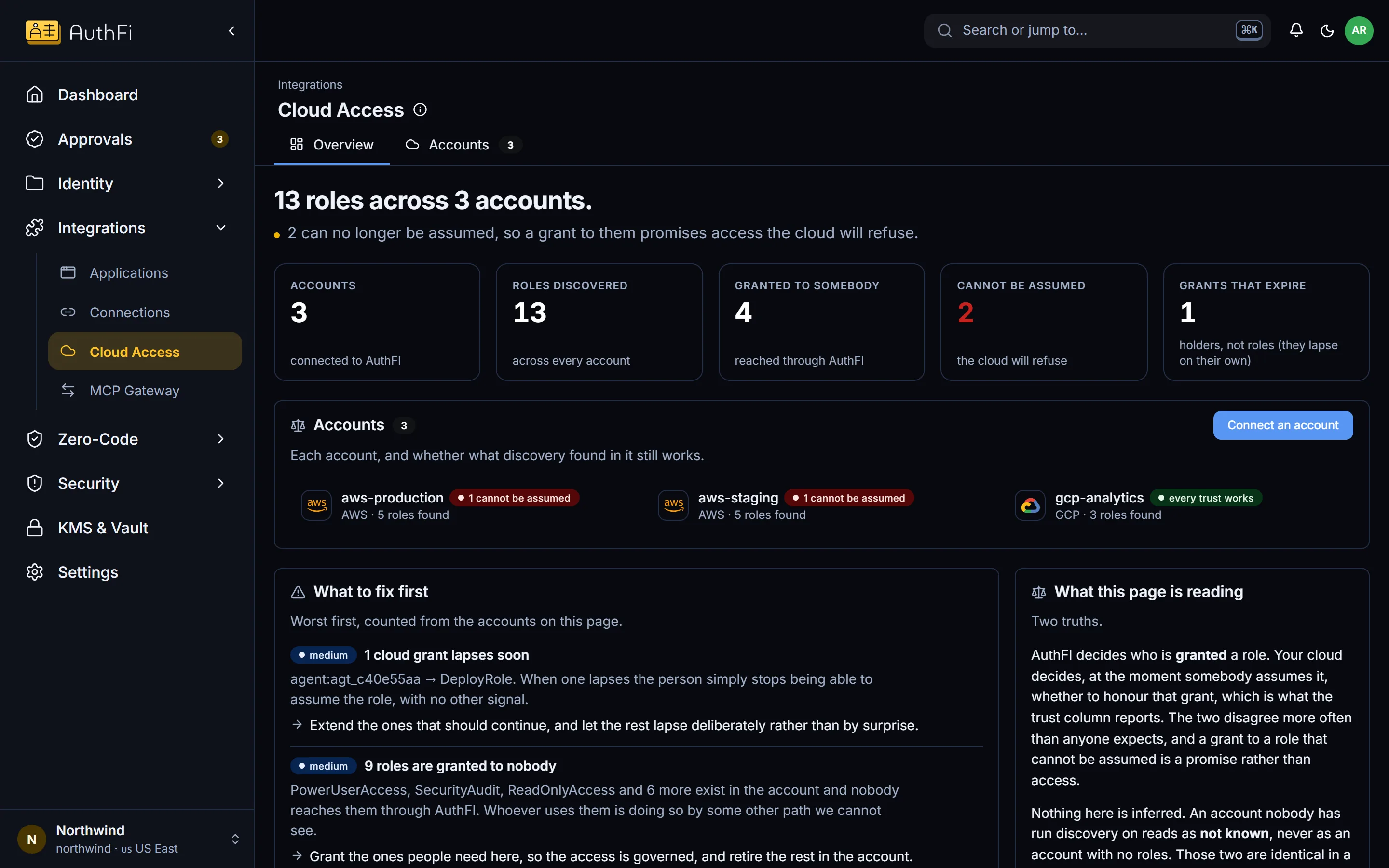
The trust is standard workload identity federation: sts:AssumeRoleWithWebIdentity on AWS, workload identity pools on Google Cloud.
Keyless roles on
Server access
Linux servers, reached with certificates that last minutes.
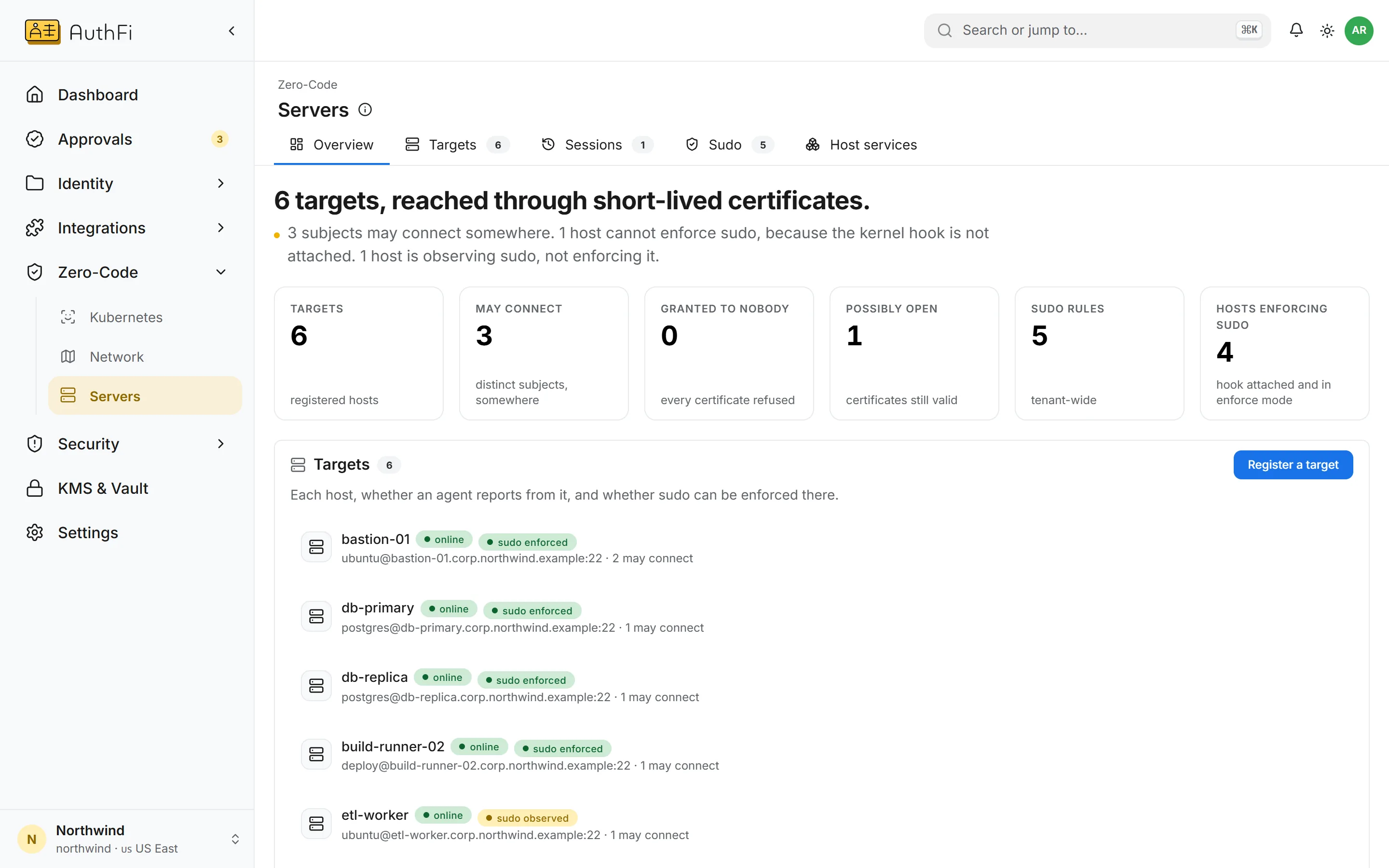
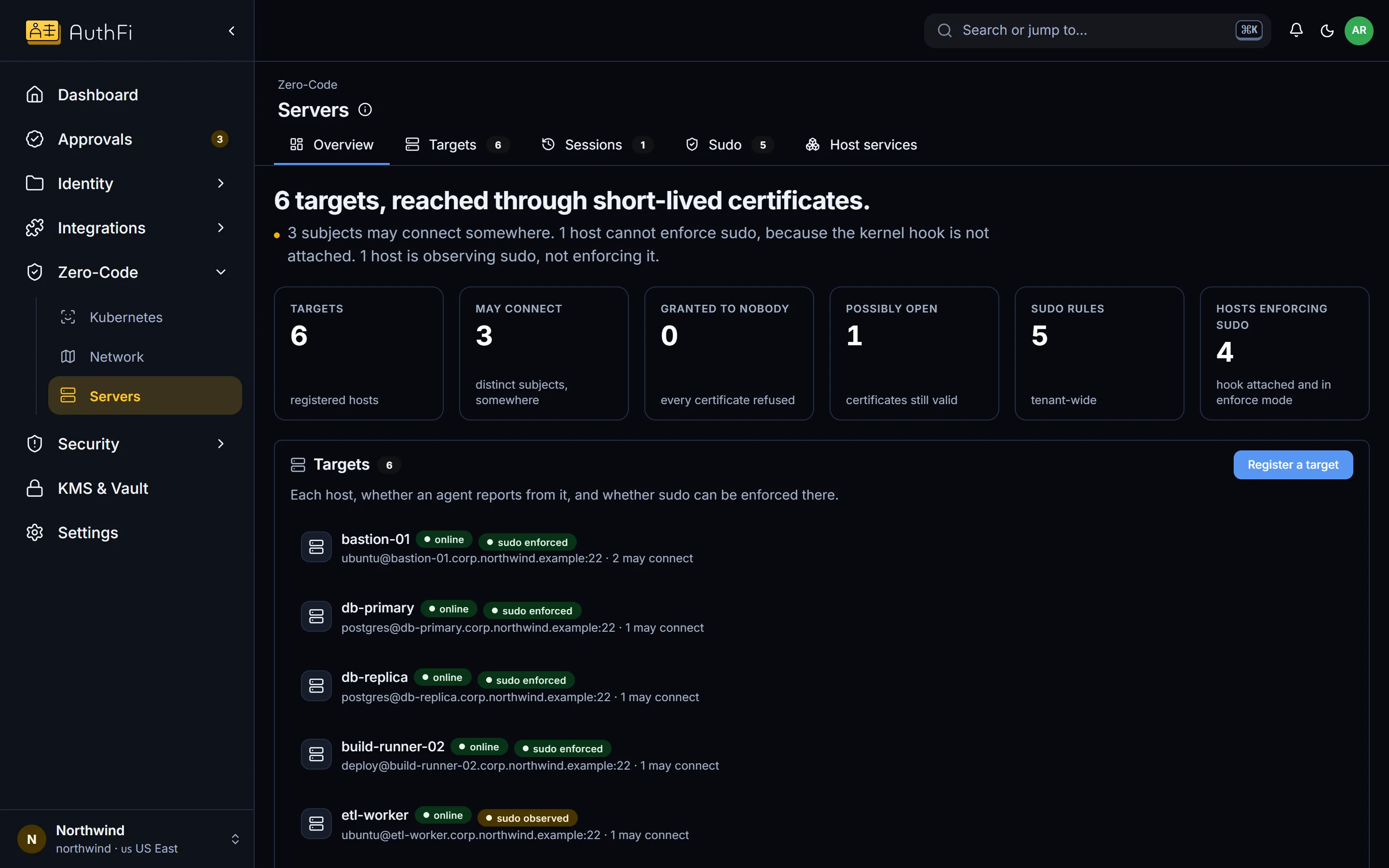
Nobody holds a key to a server. A person who was granted access receives a certificate for one session, signed by your project’s own authority.
The server trusts one authority, not a list of keys
Access follows the same groups as everything else
Every session is on the record
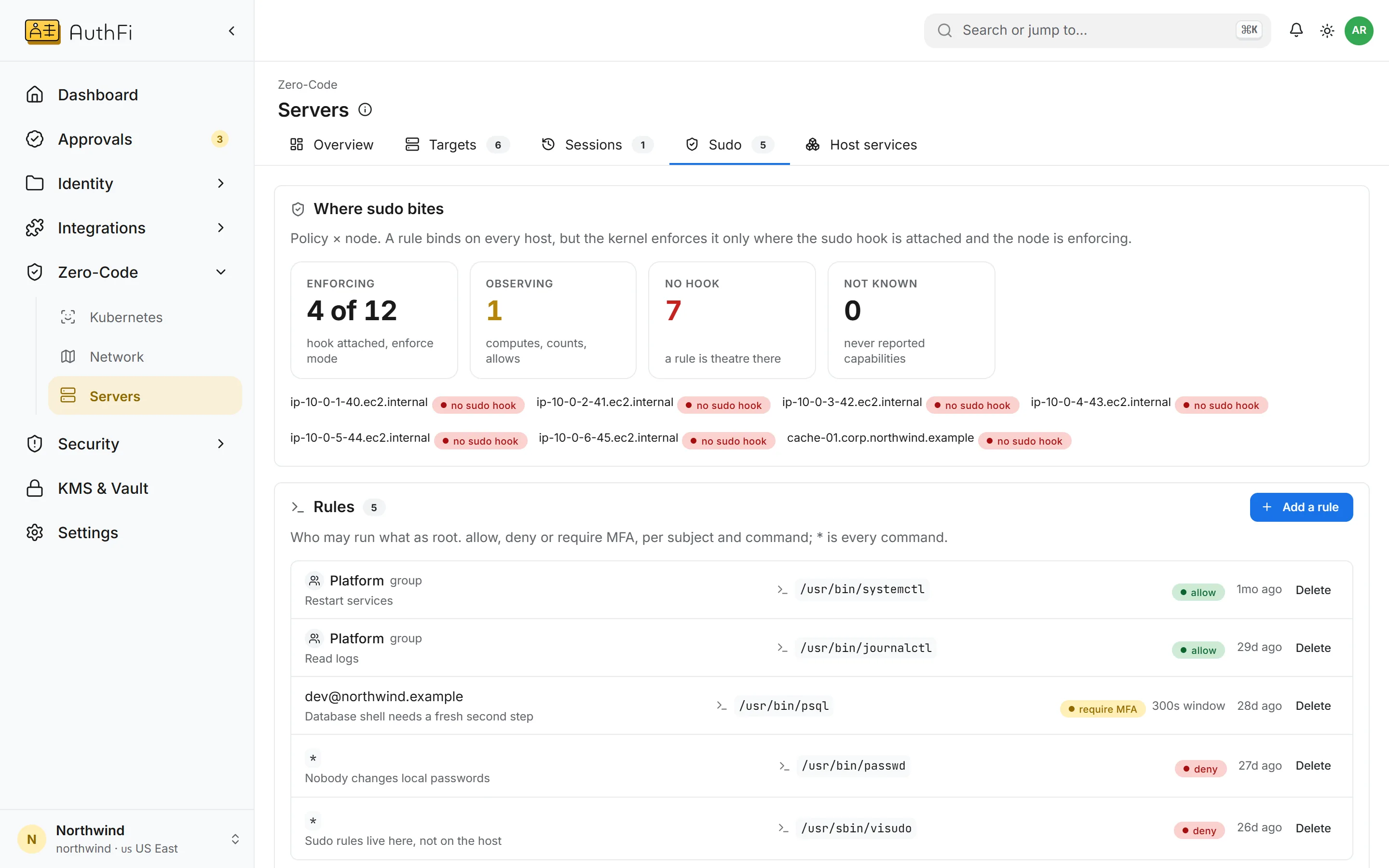
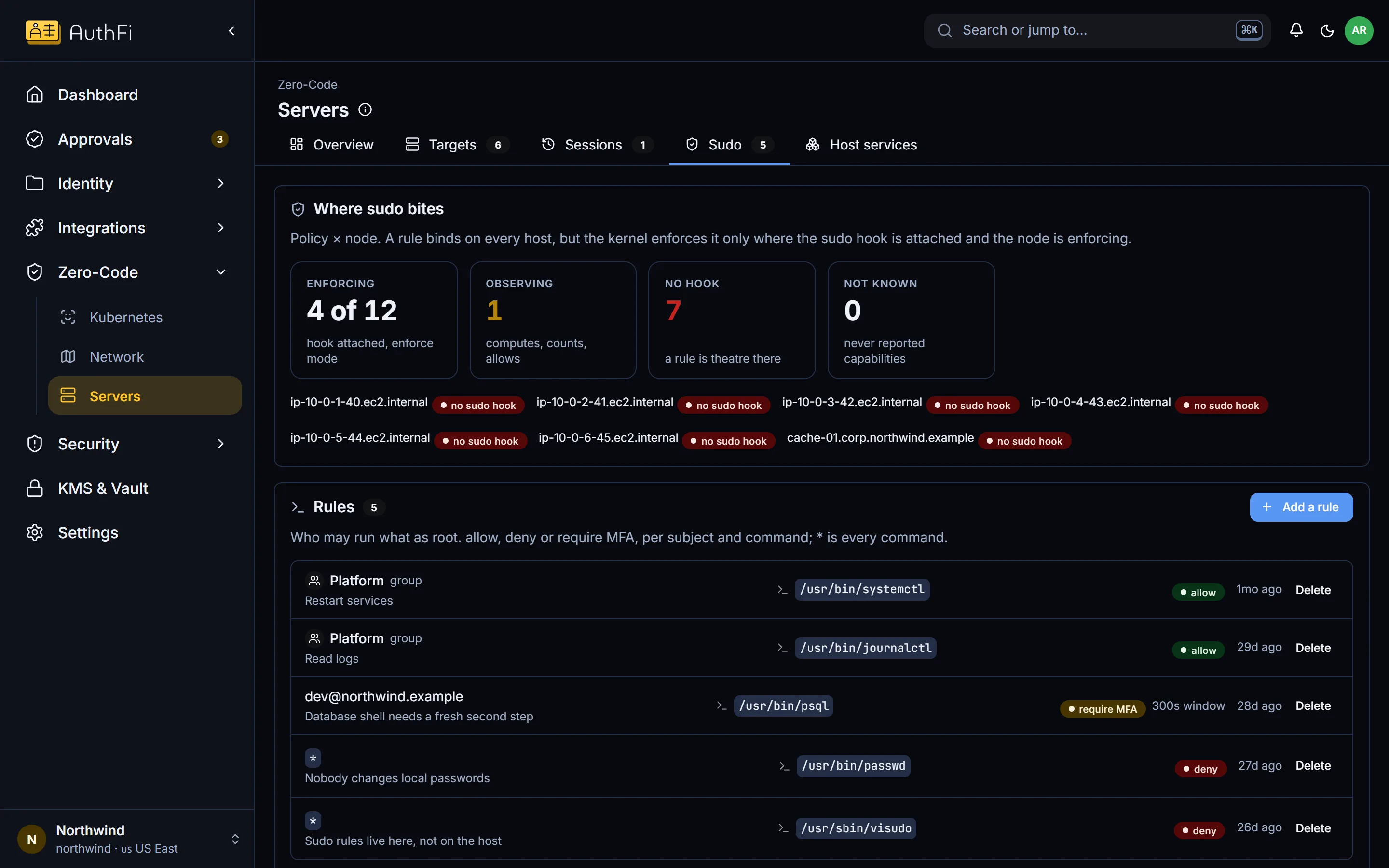
Privileged commands
Decide what may be run as root.
Rules for privileged commands are written once and apply on every governed host: allow, refuse, or ask for a fresh second step. The console says, per host, whether the rule can actually bite there.
Connections
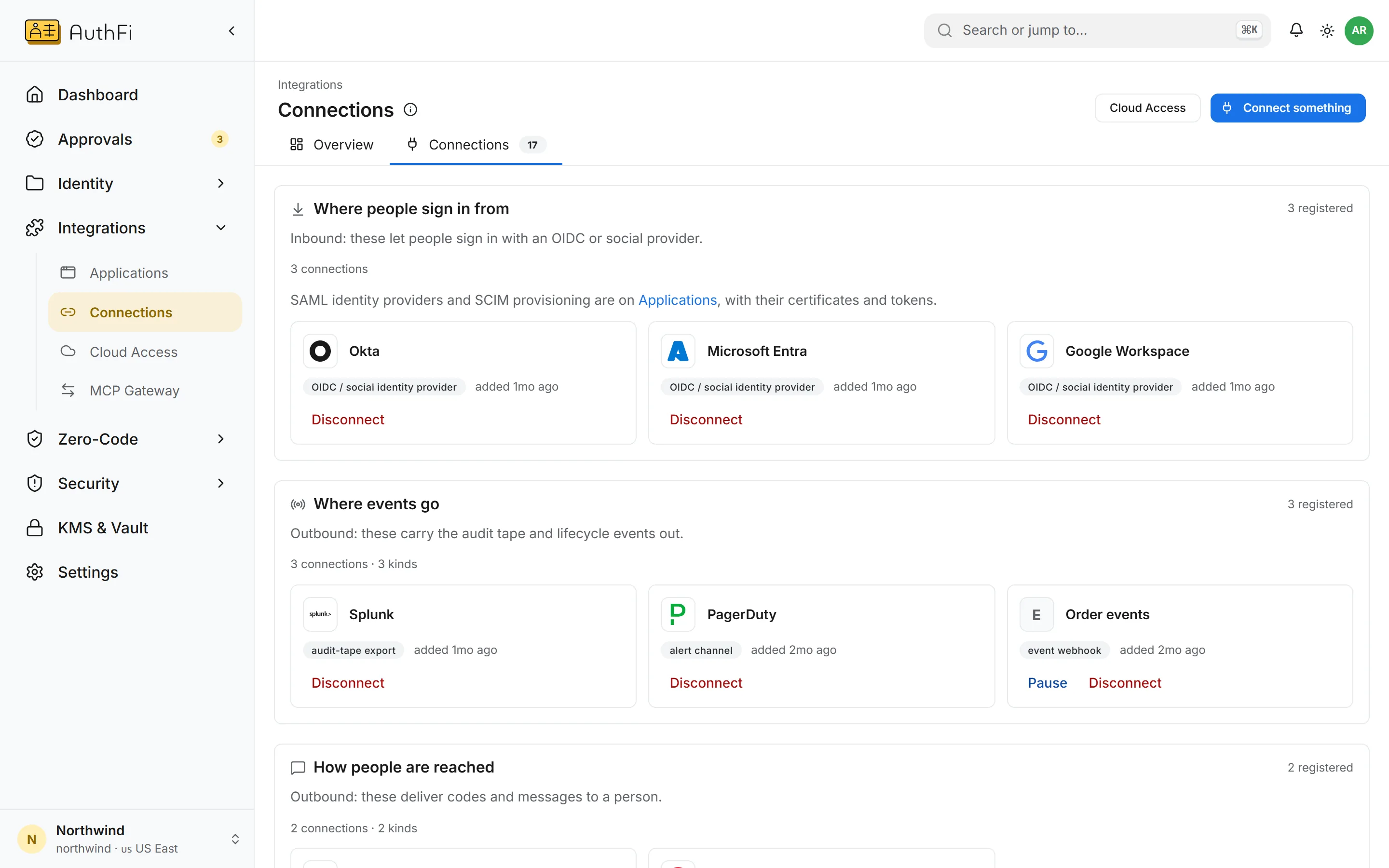
Everything the project is wired to, on one page.
Where people sign in from, where the record is sent, how people are reached, and the tools your agents use.
Identity providers over SAML and OpenID Connect
Log tools such as Splunk, and alerting such as PagerDuty
Email and text gateways, and your own webhooks
Where each part stands.
Application access by group
Connections to providers, log tools and gateways
Keyless roles on AWS
Keyless roles on Google Cloud
Finding which roles exist and which still work
Server access with short-lived certificates
Rules for privileged commands on the host
Session recording
Database and Kubernetes access