Workforce identity · in every plan
One account for each person, on every door.
Your people, their groups and the devices they sign in from. Connected to the directory you already have, and to every application they use.
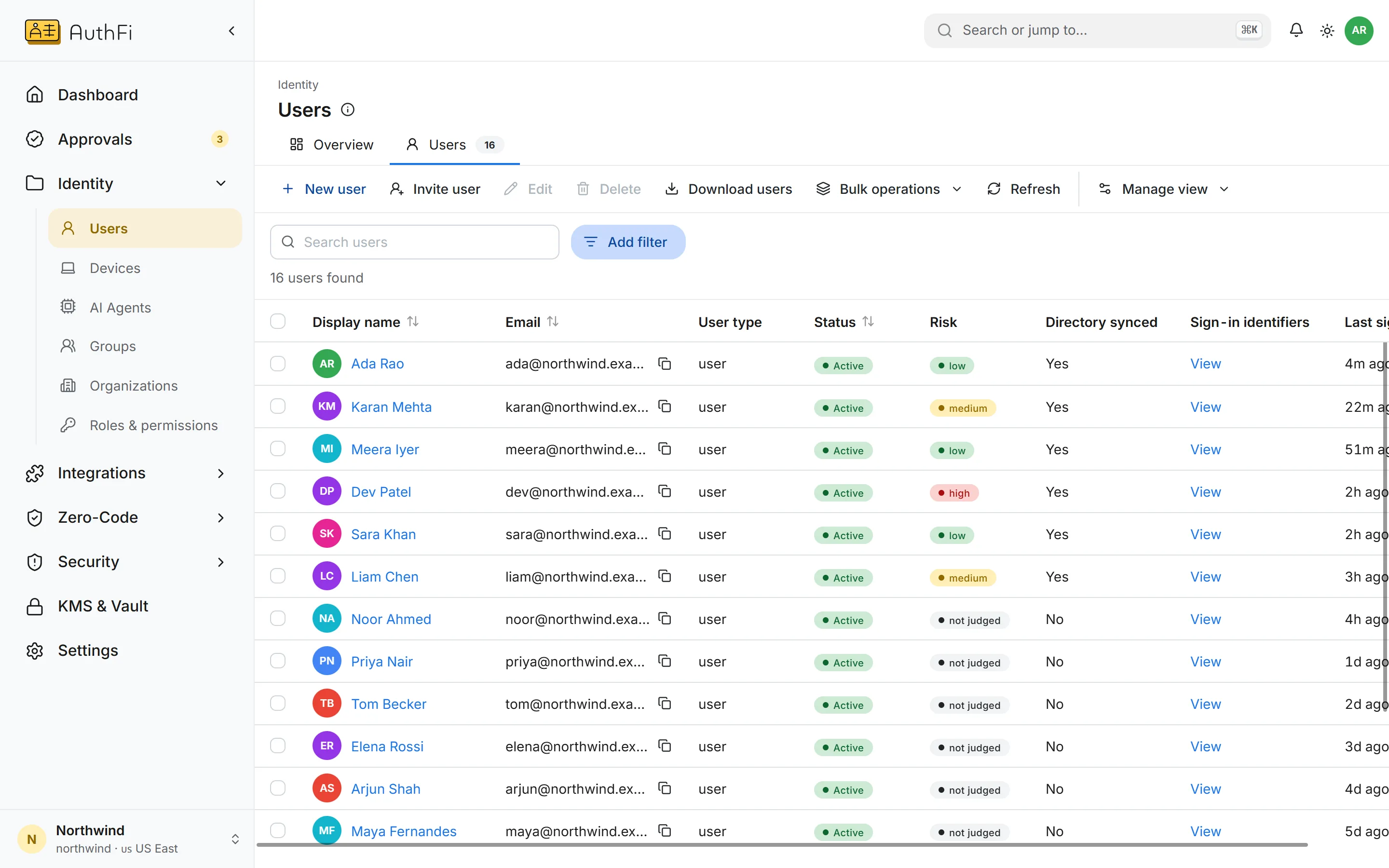
Everyone with an account
Each person with their status, the risk their last sign-ins carried, and whether they came from your directory.
Standards
Every protocol a directory needs, in one place.
Nothing here is proprietary. If your application or provider follows the standard, it connects.
Connections
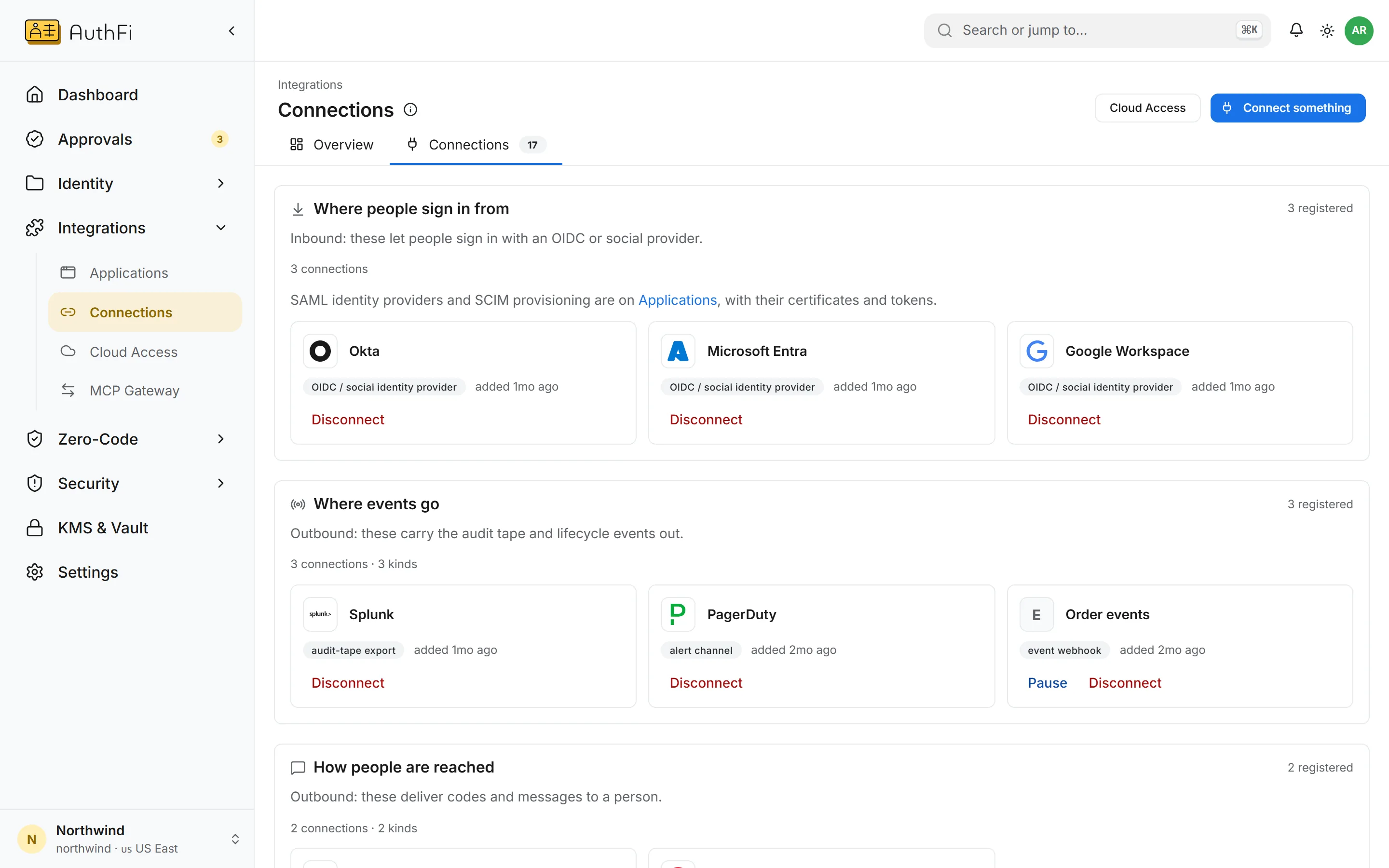
Bring the directory you already have.
Connect a provider once. People sign in with the account they already know, and over SCIM their groups come with them.
Each provider is matched to the email domains it answers for
Accounts are created the first time someone signs in, or ahead of time over SCIM
Removing someone upstream ends their sessions here and refuses their next sign-in
Signing in
Passkeys first. A second step for everyone.
You choose which ways in a project offers. A second step is part of every plan, not an upgrade.
Passkeys
The default we recommend. Nothing to phish.
Authenticator codes
Any standard authenticator app.
Email links and codes
For people who should not need a password.
Passwords
With lockout after repeated failures from one IP address.
Workspace
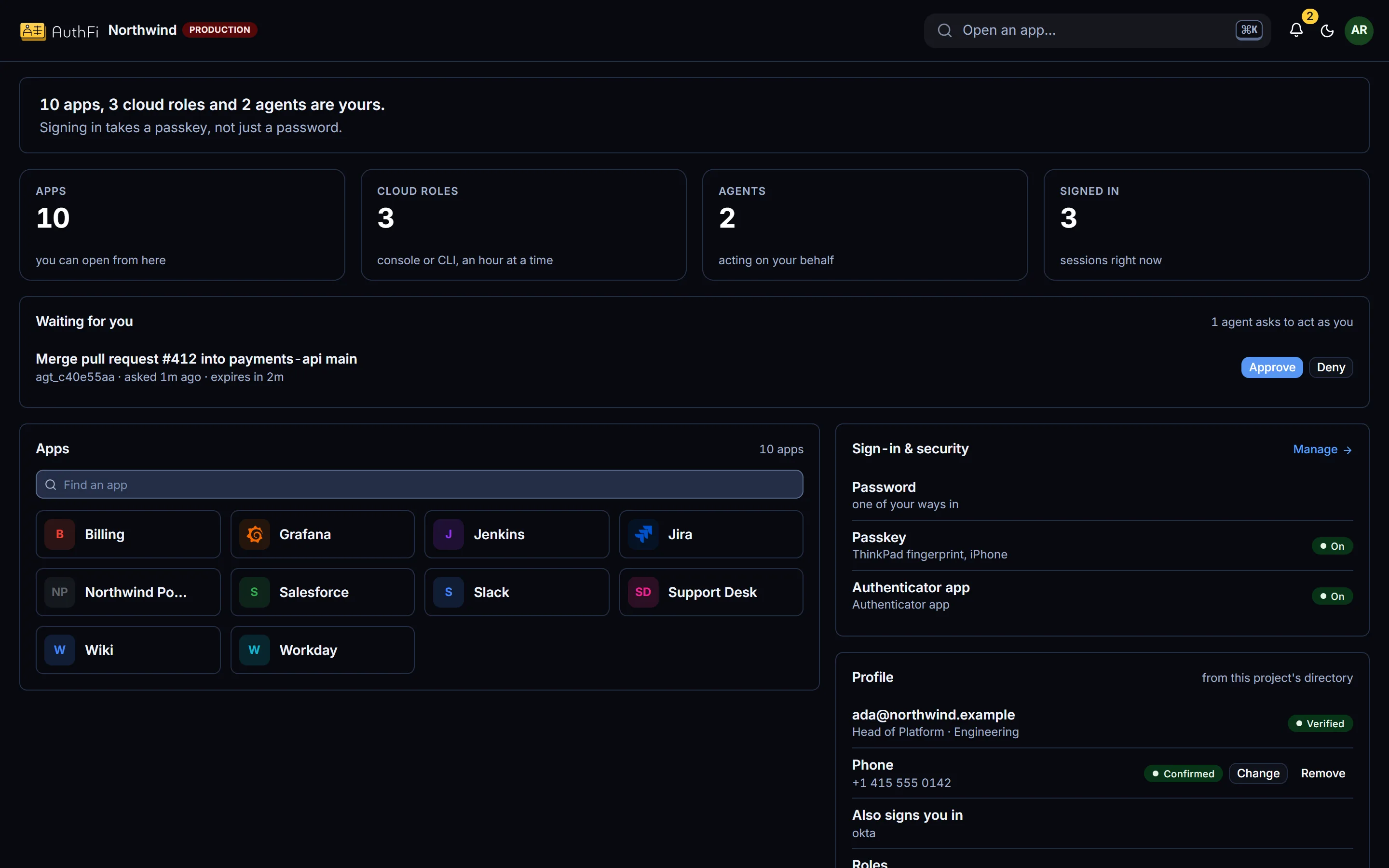
One page for everything a person can reach.
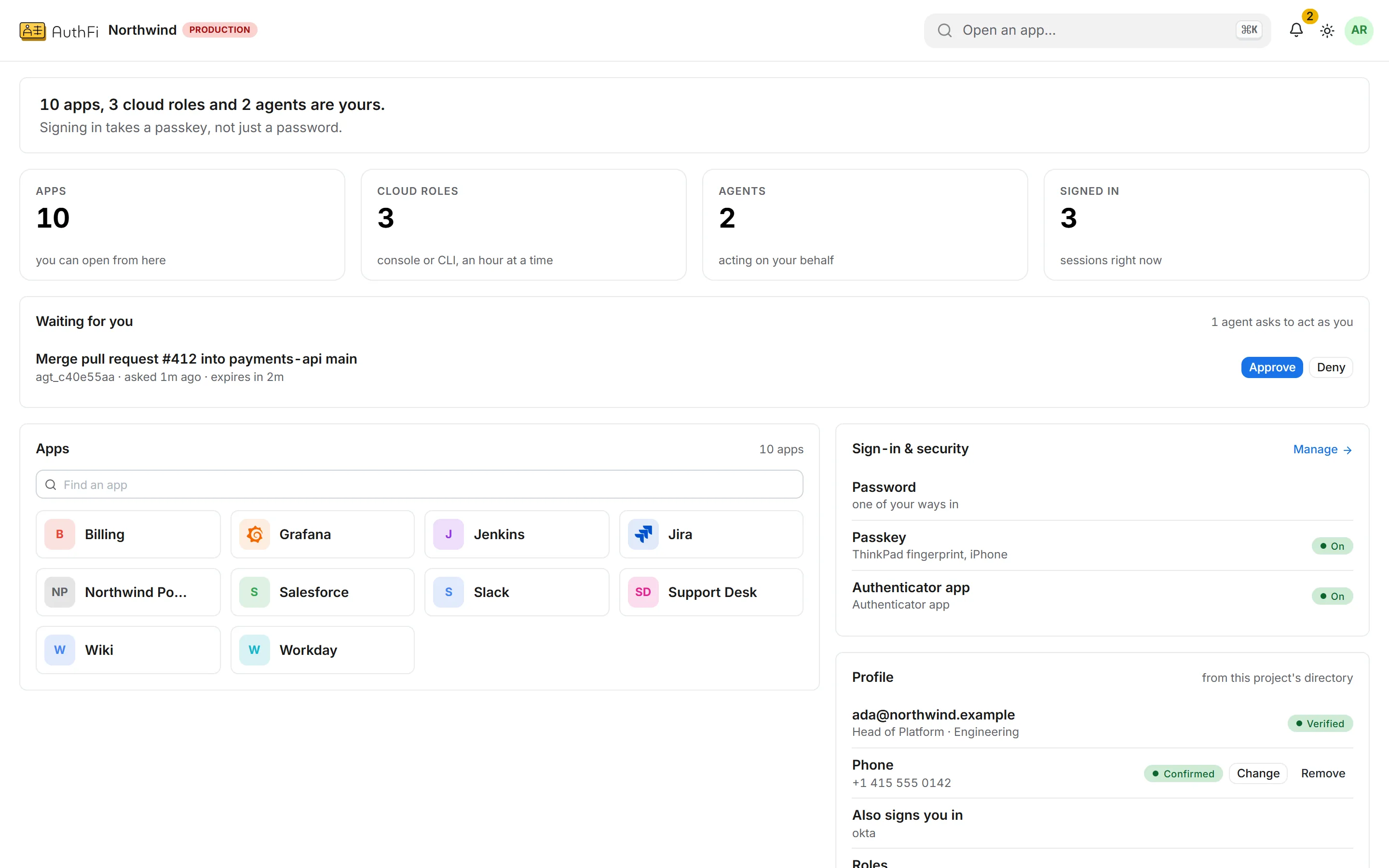
Each person gets a workspace: the apps they can open, the cloud roles they can assume, the agents acting for them, and what is waiting on their answer.
Every app says which group gave it to them
An agent asking to act as them is answered here
Passkeys, sessions and the second step are theirs to manage
Devices
Sign in to the machine itself.
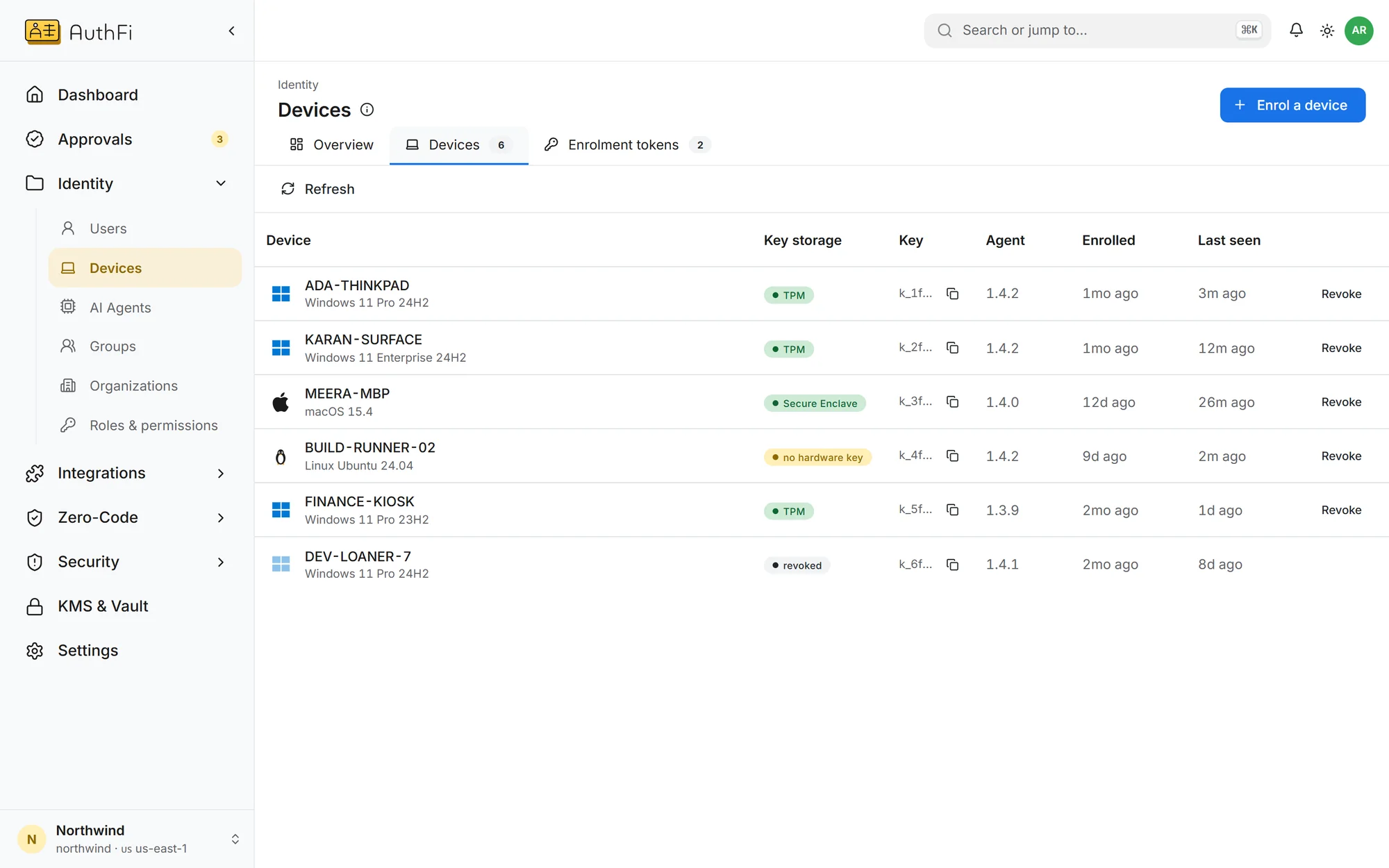
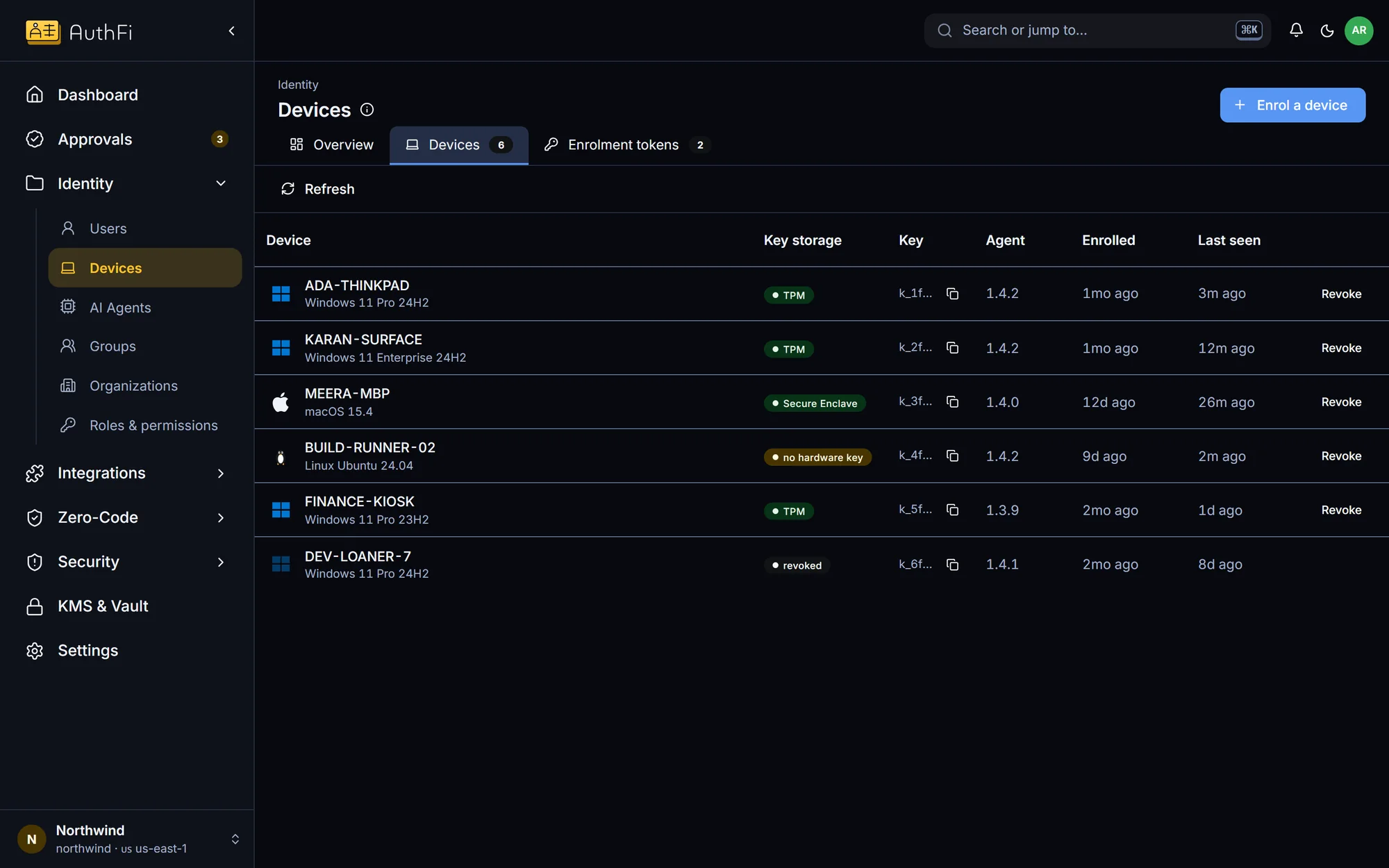
An enrolled Windows machine signs people in with their AuthFI account. Each machine holds its own key in its own hardware, so it can be revoked on its own.
Require a managed device for the applications that need one
See every machine, who uses it and when it was last seen
Revoke a machine and it can no longer sign anyone in
Enrolment
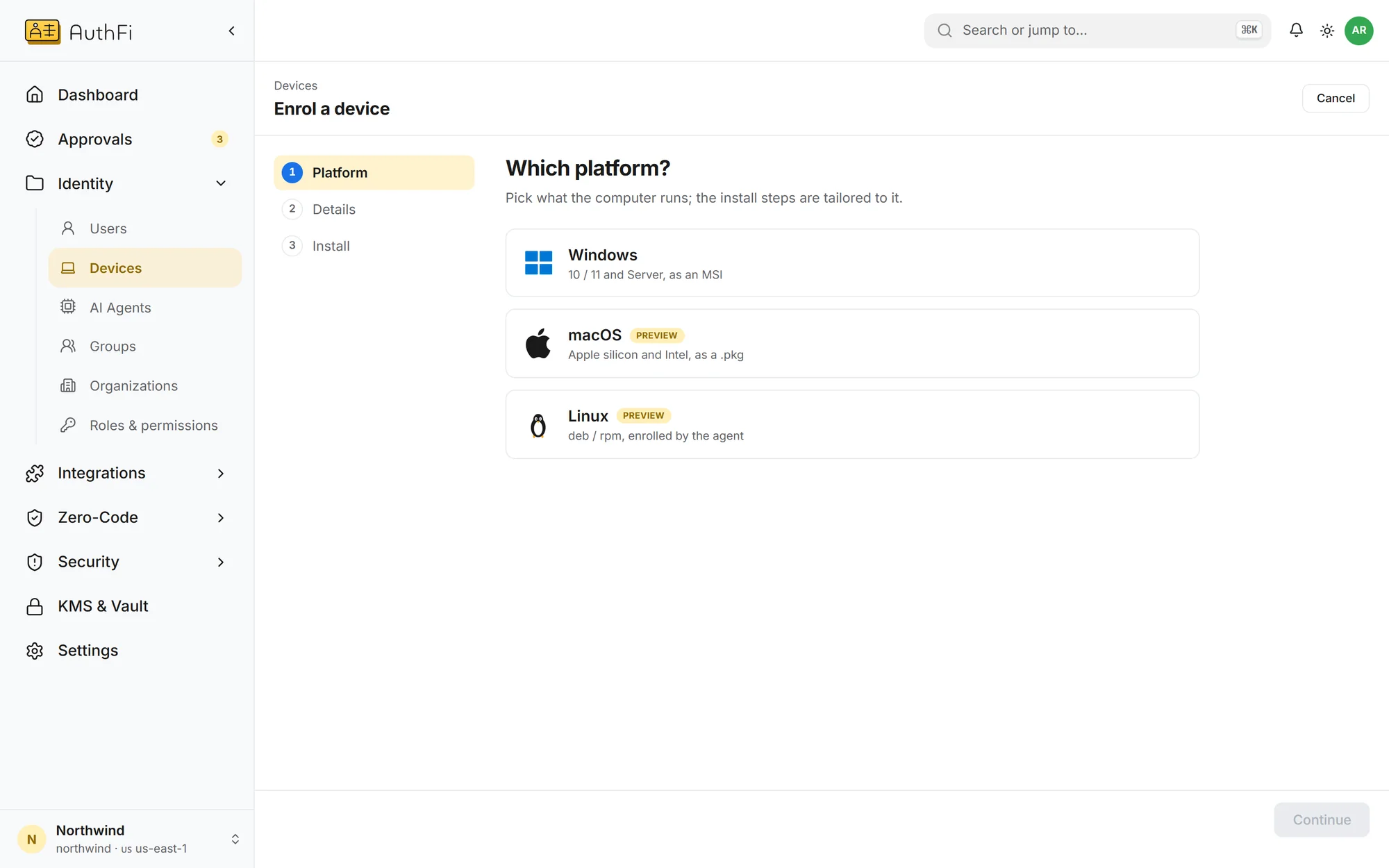
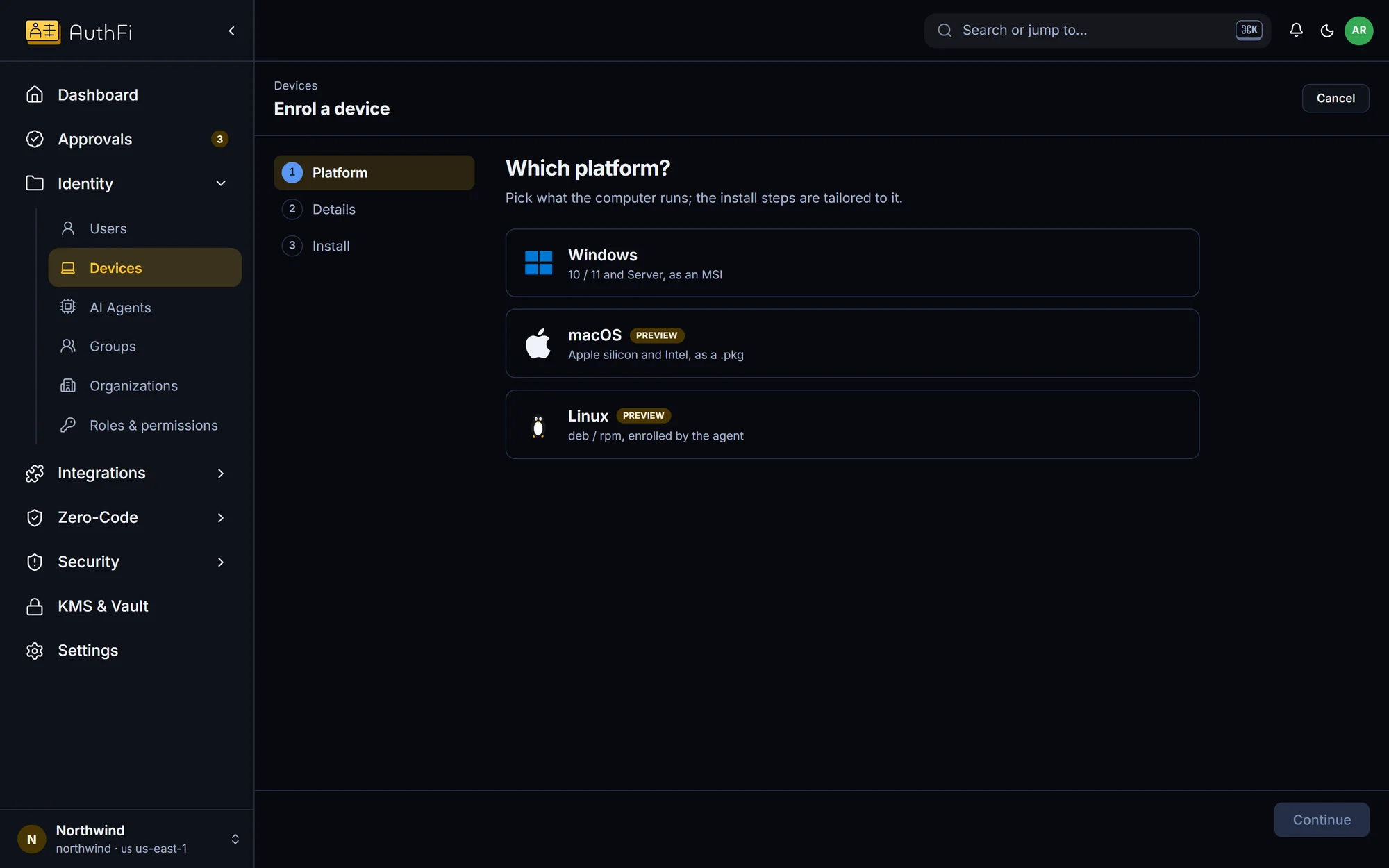
One token, one command.
Pick the platform and the console gives you a one-time token and the install command. Nothing else to configure on the machine.
Where each part stands.
Users, groups and roles
Single sign-on over SAML and OpenID Connect
Provisioning in and out over SCIM
Passkeys, authenticator codes, email links
A second step on every plan
Application access by group
Directory service for Windows and LDAP
Managed devices on Windows
Managed devices on macOS and Linux