Solution · AI enforcement
Give every AI agent a boundary it cannot leave.
A prompt injection can make an agent try anything. On a machine running Zero-Code it can only reach what you granted, and the kernel refuses the rest before a packet leaves.
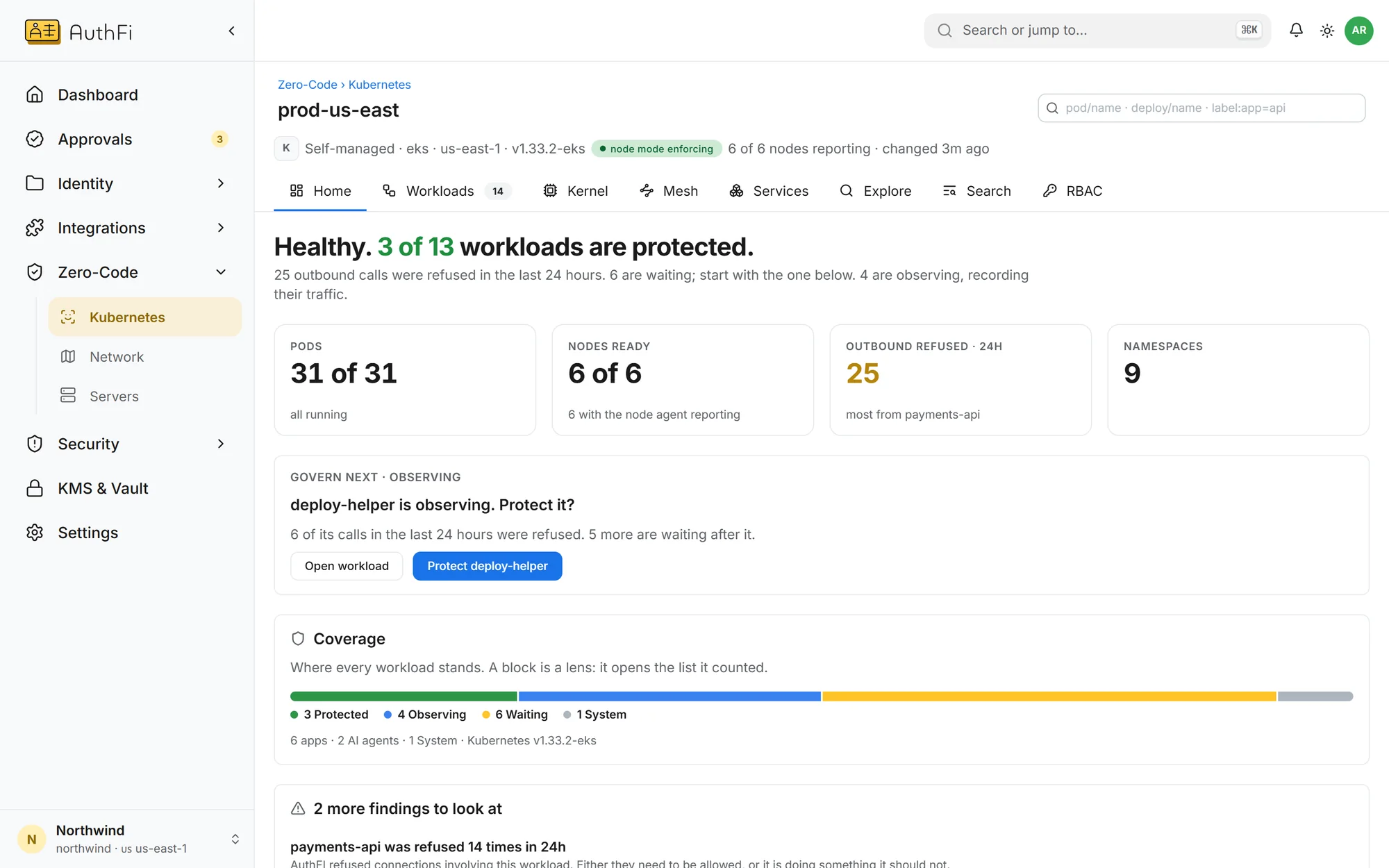
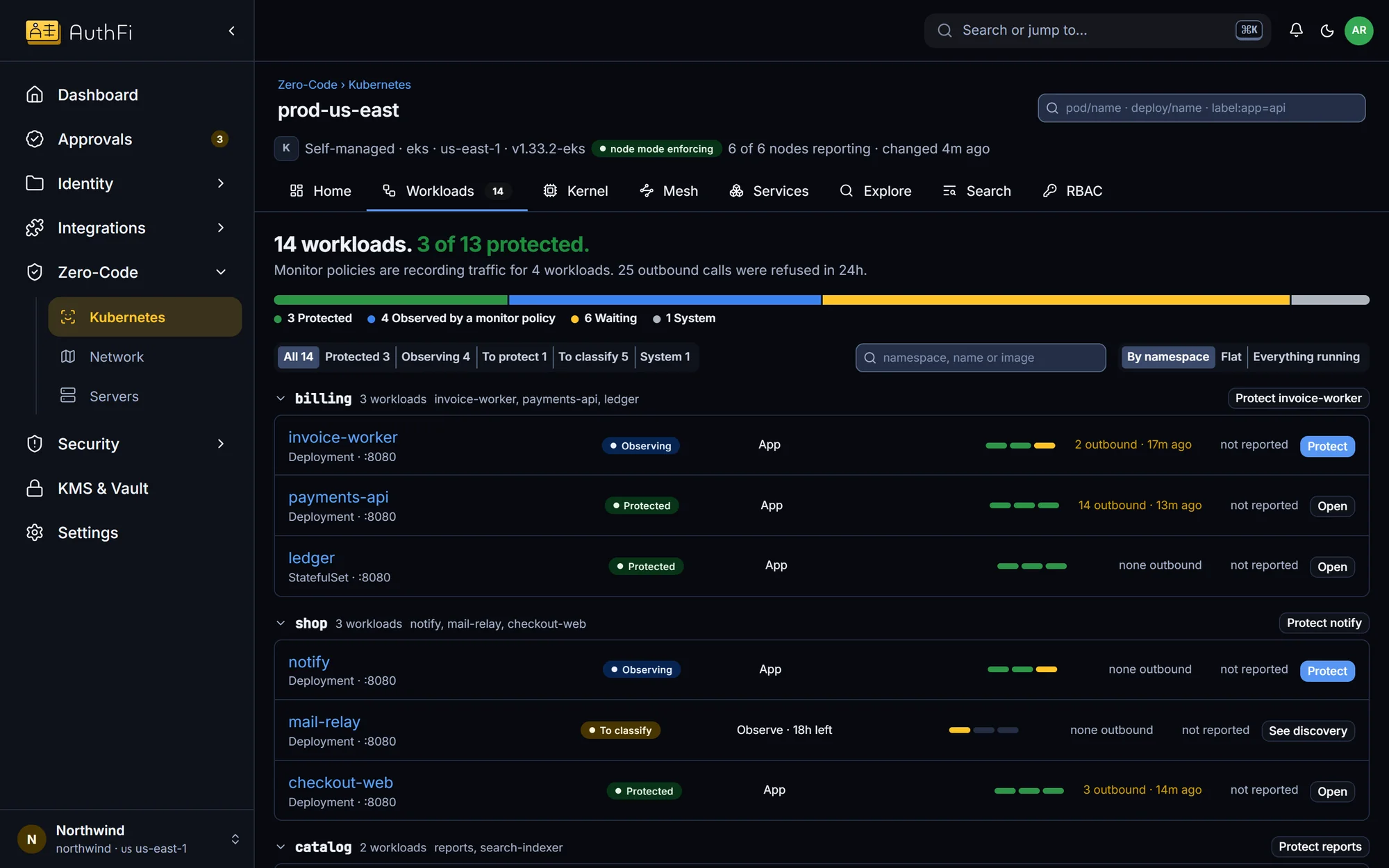
A cluster, after one install
The cluster reports itself: how many workloads are protected, how many are being watched, and which one to do next.
What changes
The problem as most companies have it today, and the same thing with AuthFI.
How it works
Each step, on the screen you would use.
Reach
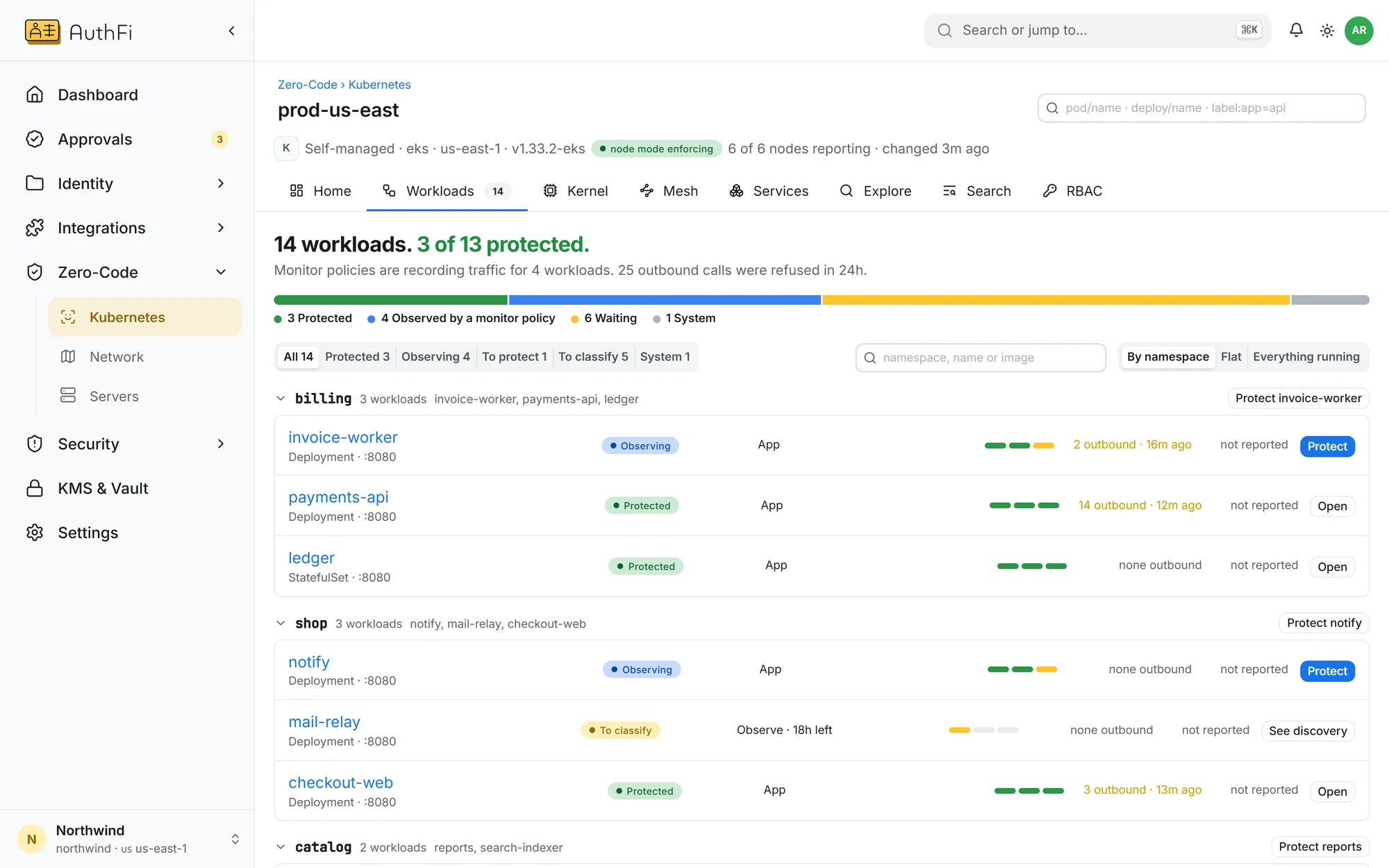
Decide what each agent may reach.
Classify a workload as an AI agent and grant the destinations it needs. Everything else is refused on the machine itself.
Outbound connections limited to what was granted
No raw sockets, no reading another process's memory
It cannot load its own kernel programs
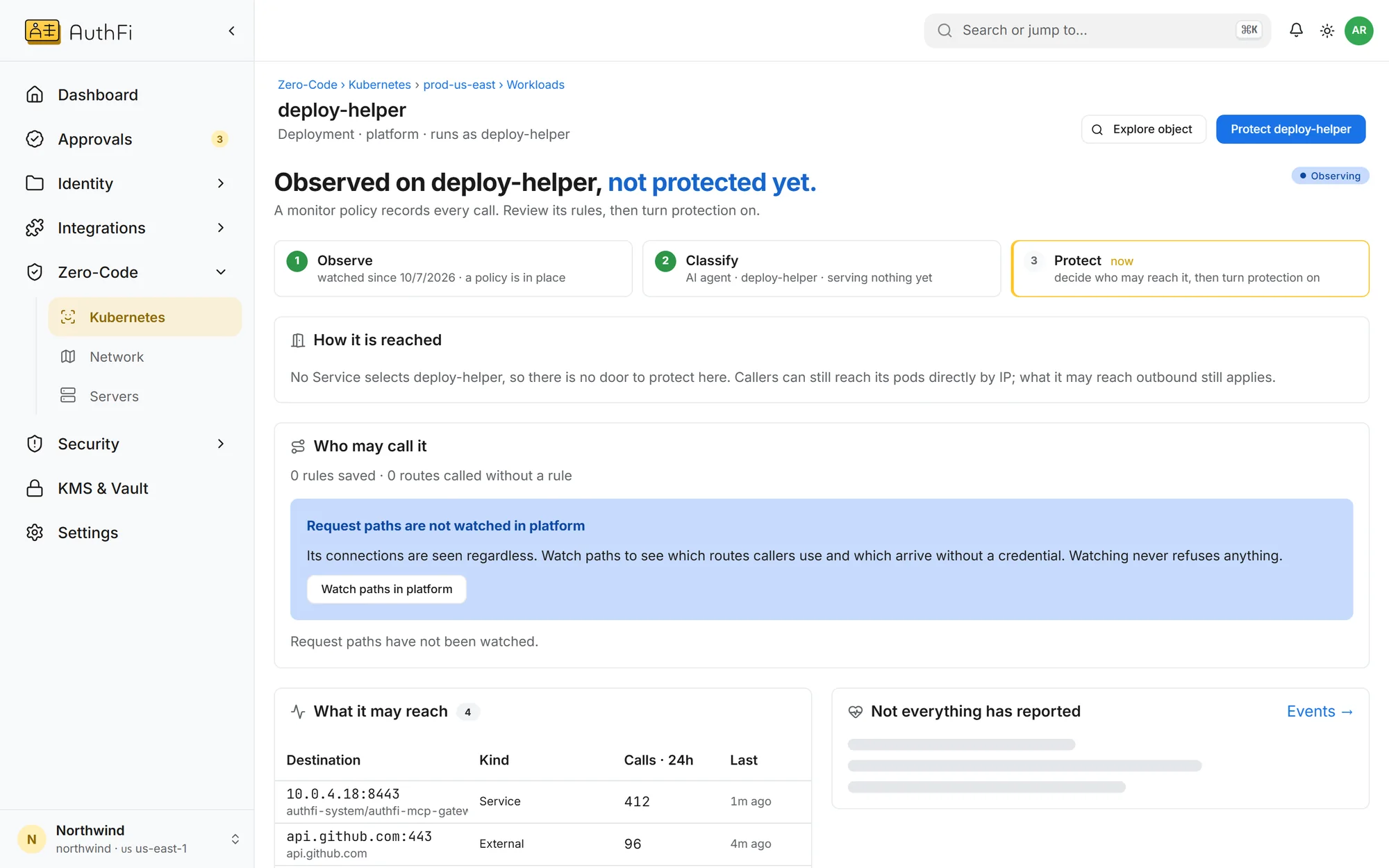
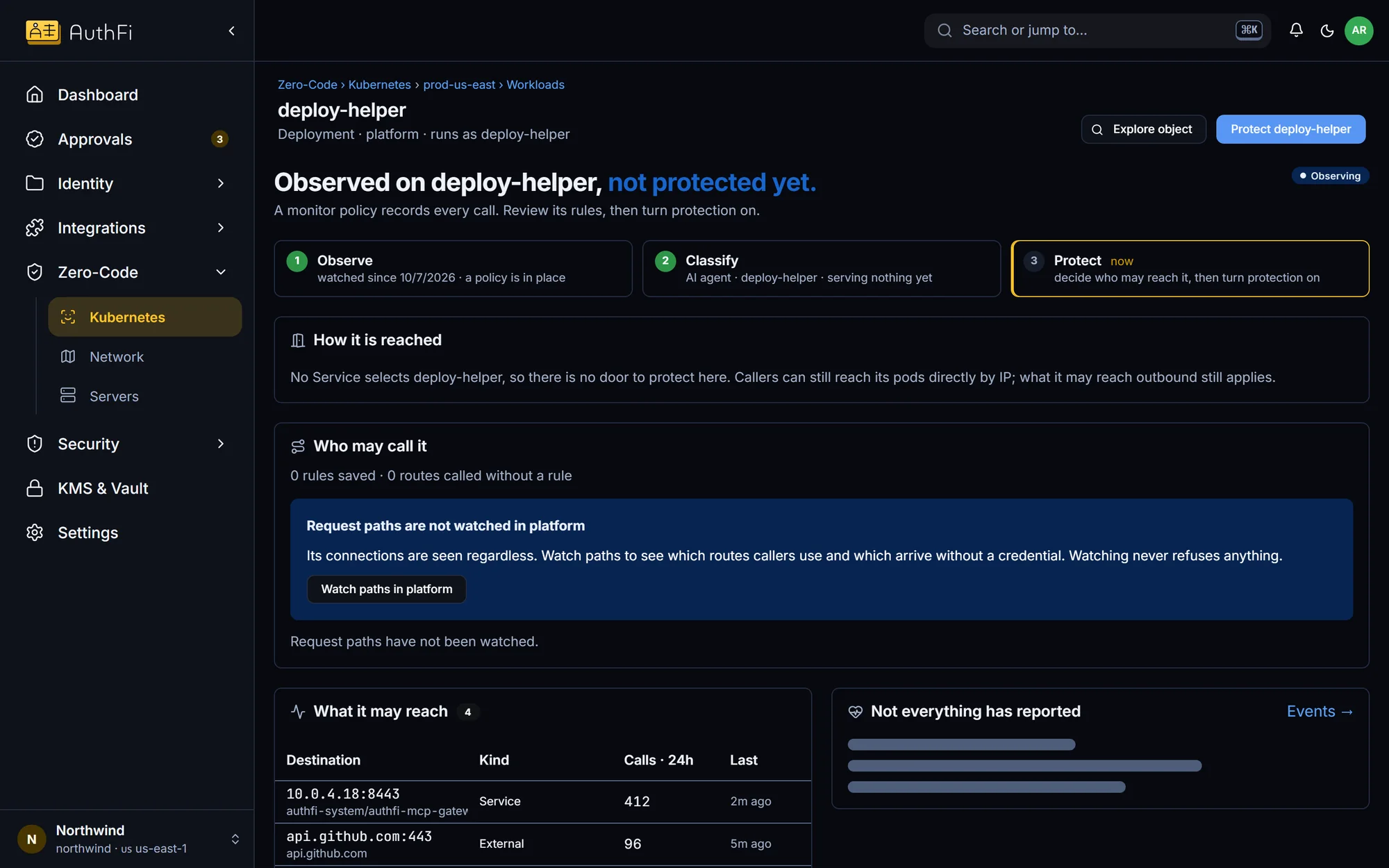
Watch first
See what would be refused before anything is.
Every rule starts in watch-only. You see exactly what the agent tried to reach, then switch that one workload to enforce.
Watch-only by default
One workload at a time
You can turn enforcement off on a node yourself
Record
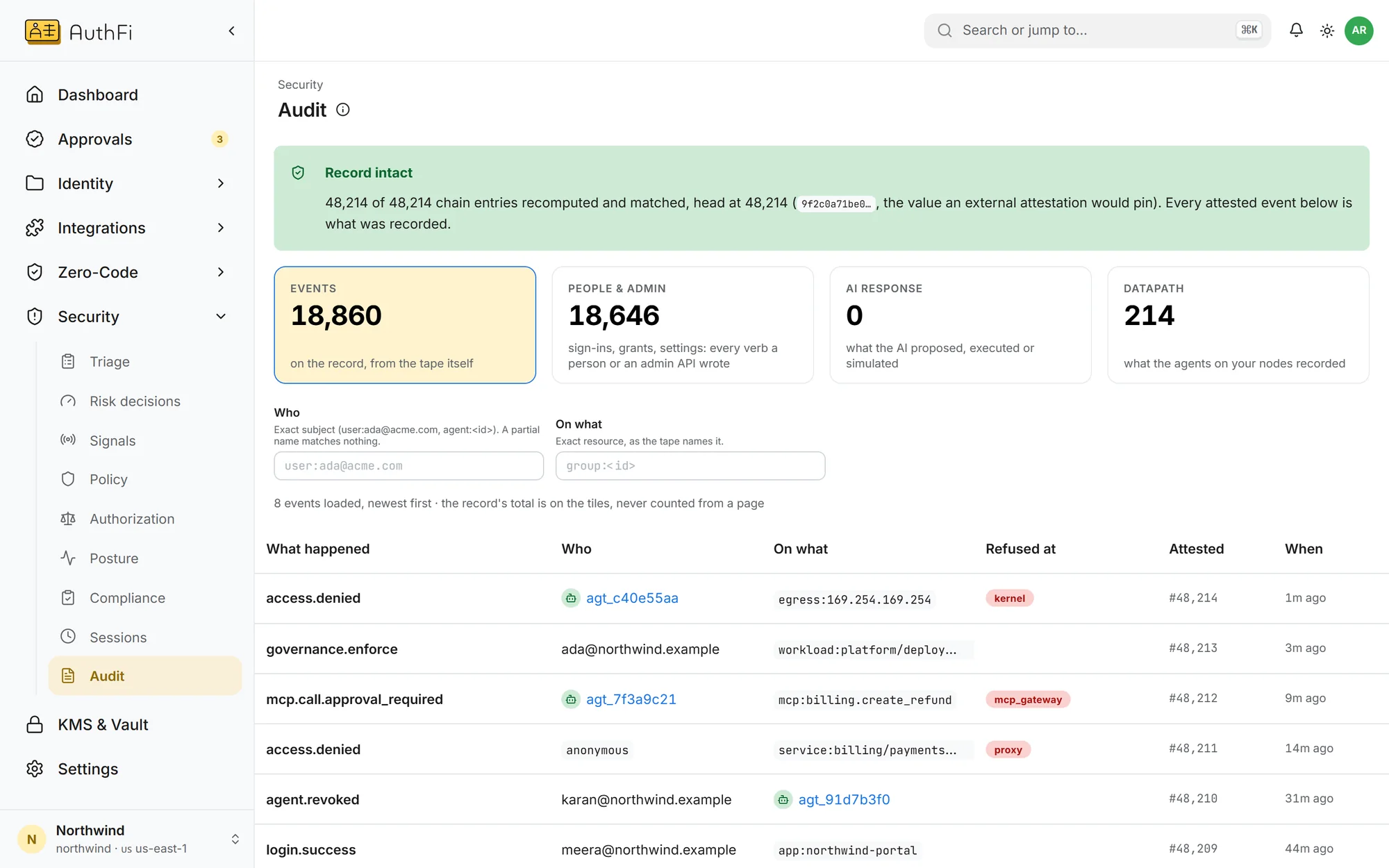
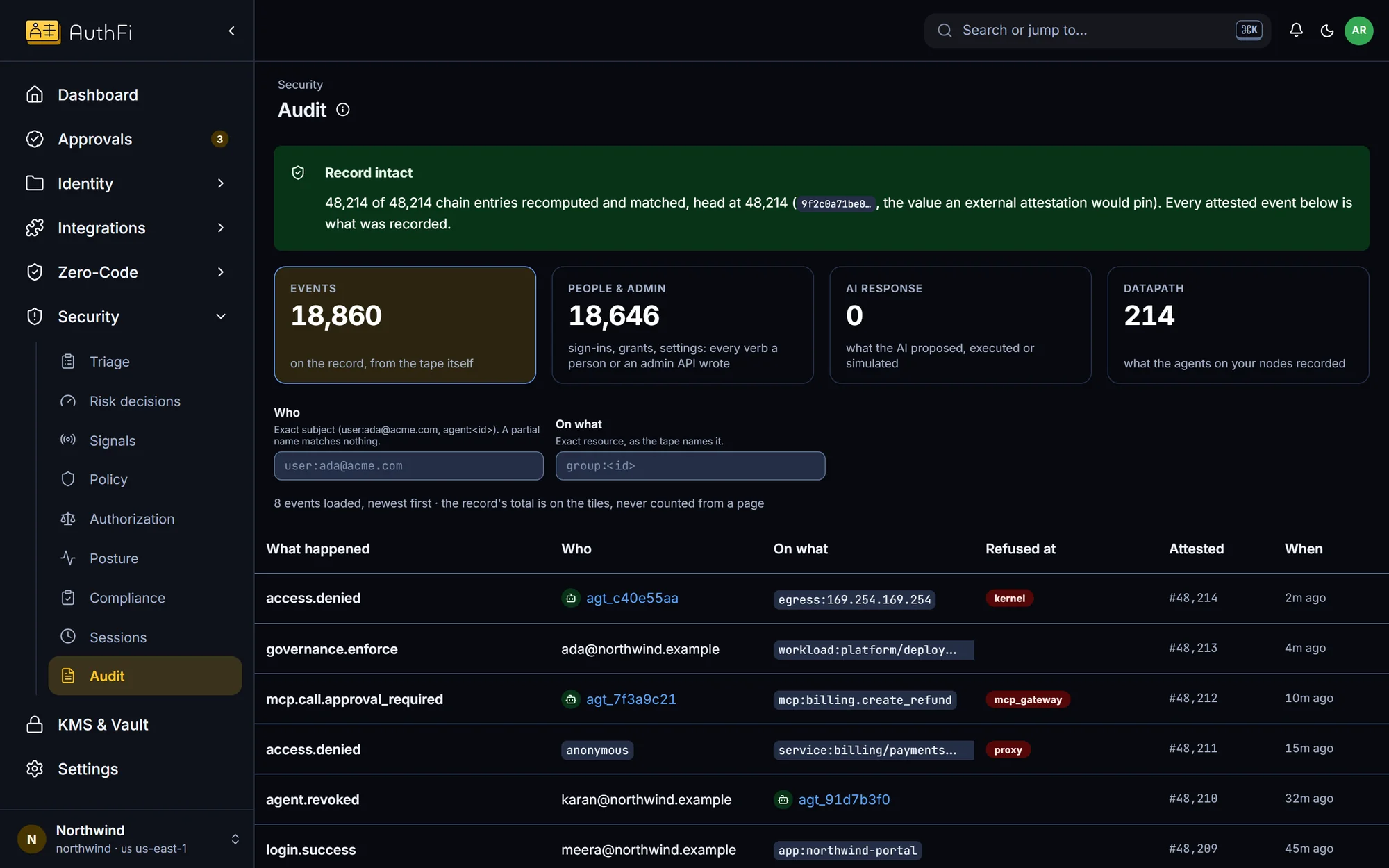
Every refusal, with the layer that refused it.
A refused connection is written to the record with the agent, the destination and the fact that the machine refused it.
Refusals on the same record as sign-ins
Filter by the layer that refused
Export to your log tools
Read on
The boundary needs Zero-Code on the machine: Kubernetes on Linux, with a kernel that has the BPF security module enabled. Nothing is refused until you switch a workload to enforce.
Zero-Code
How the boundary works, and its limits
OpenAI Auth
Nine things a rogue agent tries
OpenZero-Code docs
Requirements and the three steps
OpenMore in AI enforcement
AI Auth: govern AI agents in production
AI Auth gives every agent an identity, limits and an off switch, on open standards.
See howCIBA approvals: a person decides for the agent
Sensitive agent actions wait for a named person, out of band, over OpenID CIBA.
See howMCP gateway: control which tools an agent can call
One MCP gateway for every tool: per-tool grants, checked arguments, no shared credentials.
See how