Security · nine screens · in every plan
See what was refused, what would be, and what needs you.
A security console for identity: findings to triage, every rule and whether it bites, compliance against the frameworks you answer to, live sessions, and one record of it all.
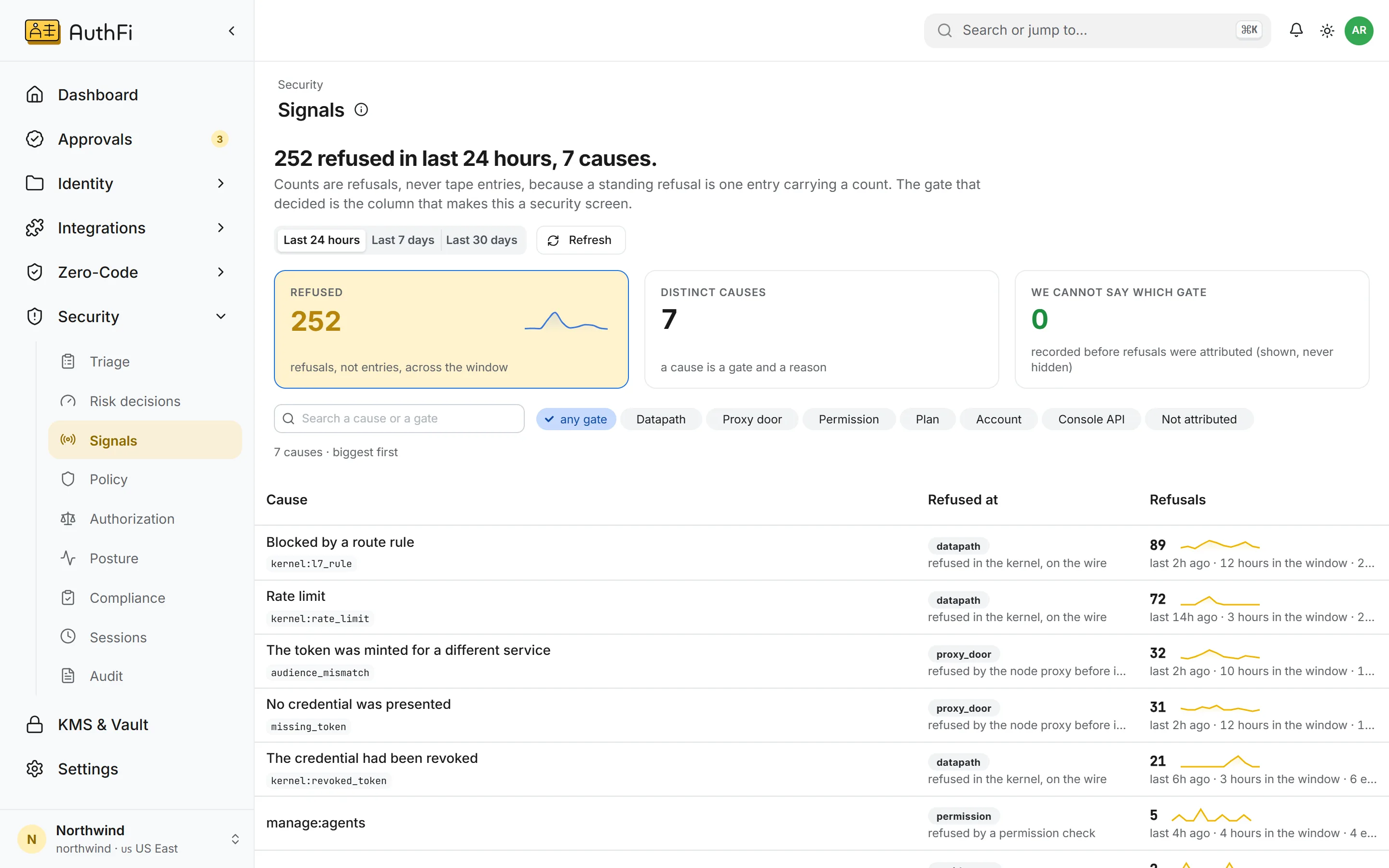
What was refused
Every refusal, counted, by the gate that decided and the reason it gave.
Nine screens, one question each
The Security section of the console. Pick the question you are asking.
Triage
What needs a person's verdict?
Risk decisions
Who was judged risky, and why?
Signals
What was refused, and at which gate?
Policy
Which rules are in force, and do they refuse?
Authorization
Who may call what, and what if no rule matches?
Posture
What is standing open right now?
Compliance
How does the cluster stand against a framework?
Sessions
Who is signed in at this moment?
Audit
Who did what, and can the record be trusted?
Notice
What the platform saw, what it judged, and what it refused.
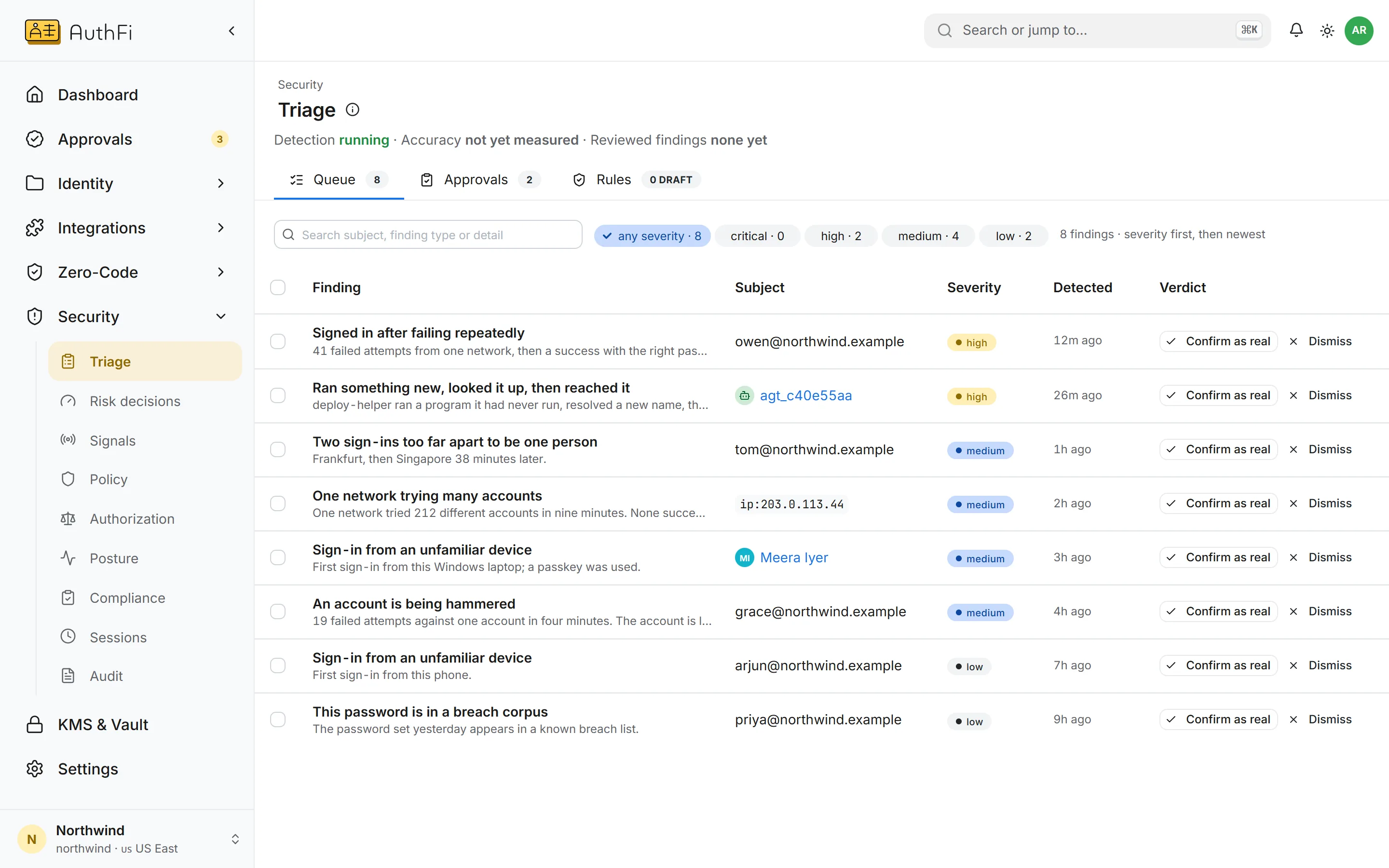
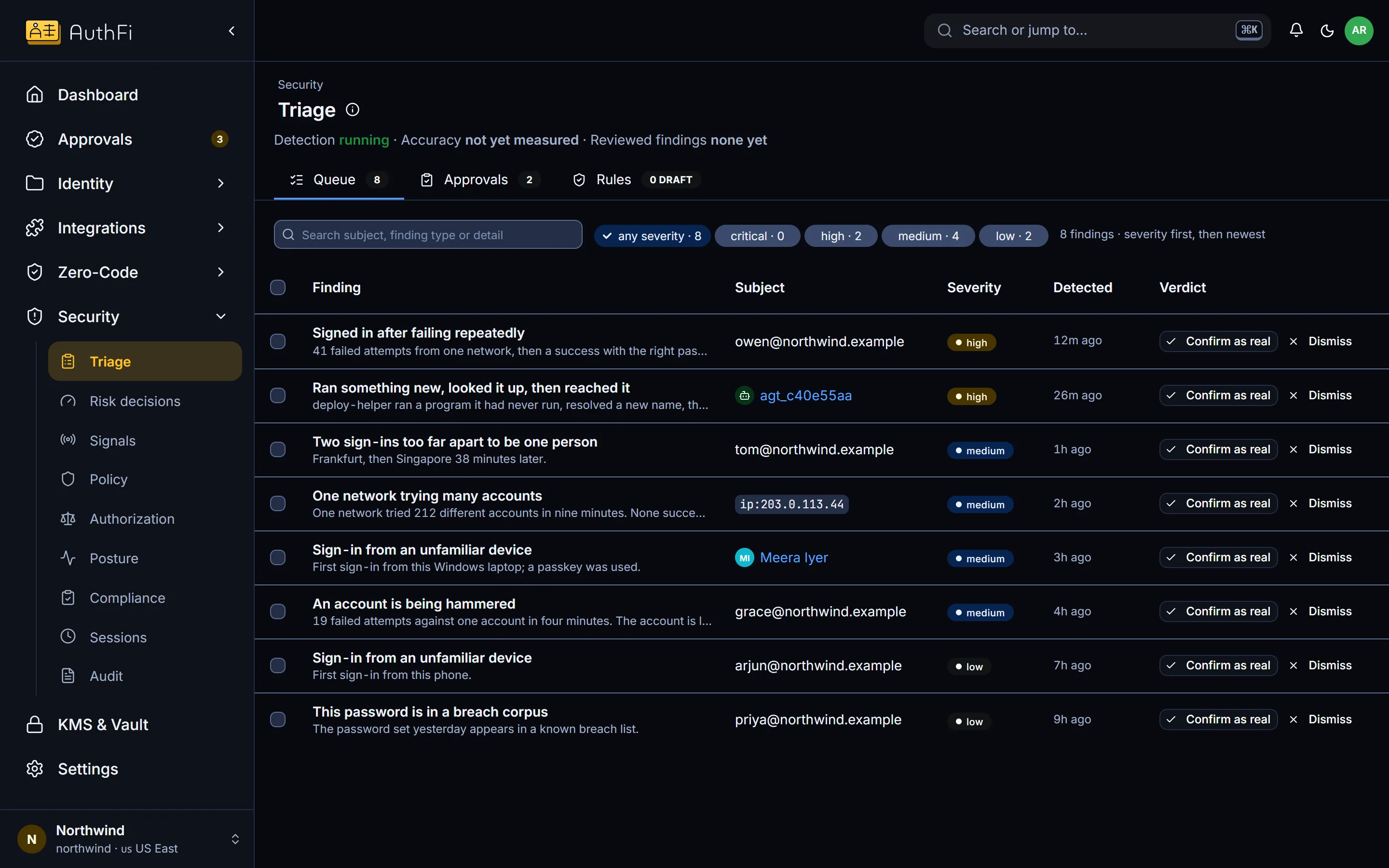
Triage
A queue of findings, worst first.
Each finding says what was seen in plain words: a sign-in after a burst of failures, two sign-ins too far apart, an agent that ran something new and reached it. A person confirms or dismisses.
Ordered by severity, then by time
Confirm or dismiss, from the queue
Your verdicts are what the detection learns from
Risk decisions
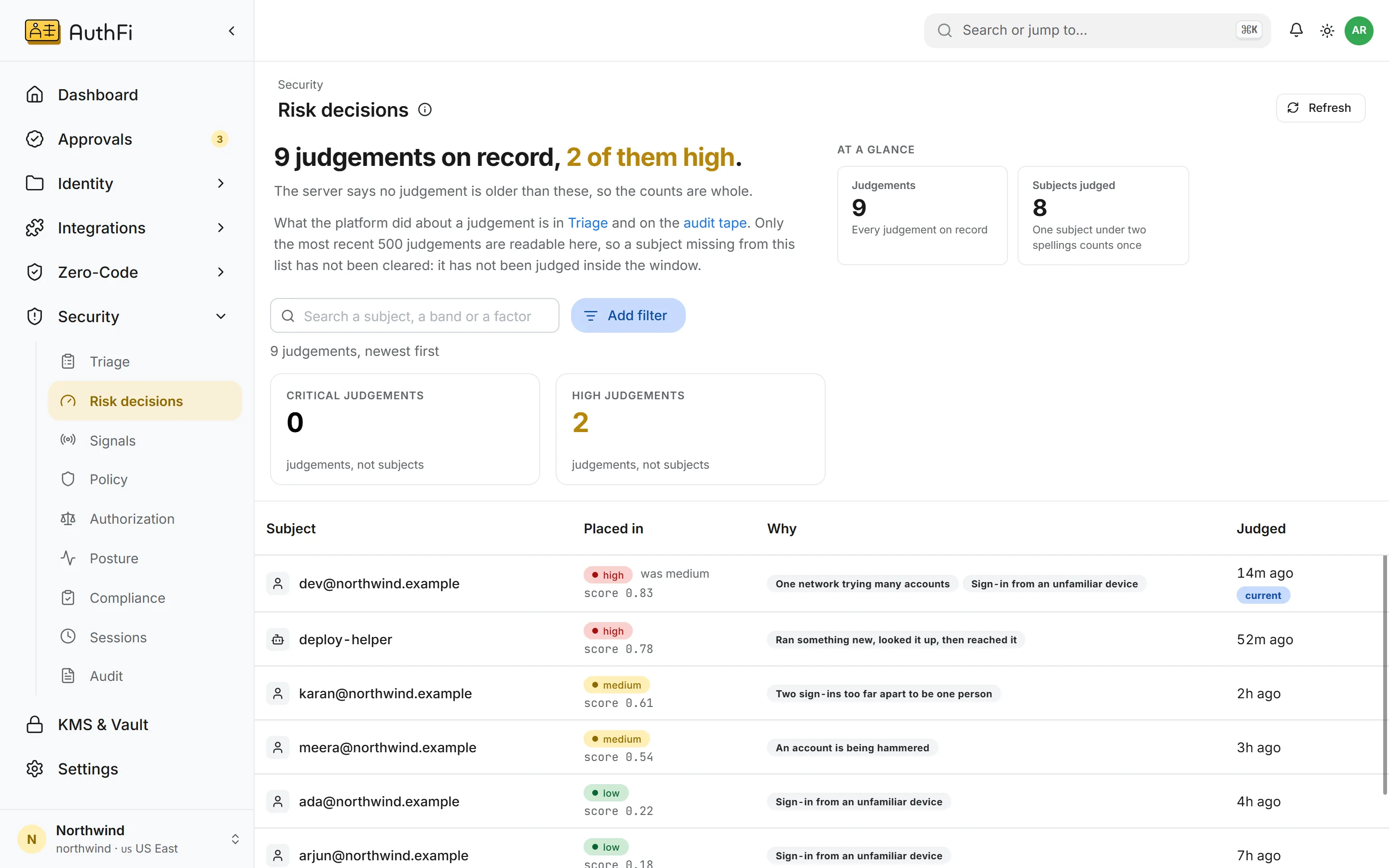
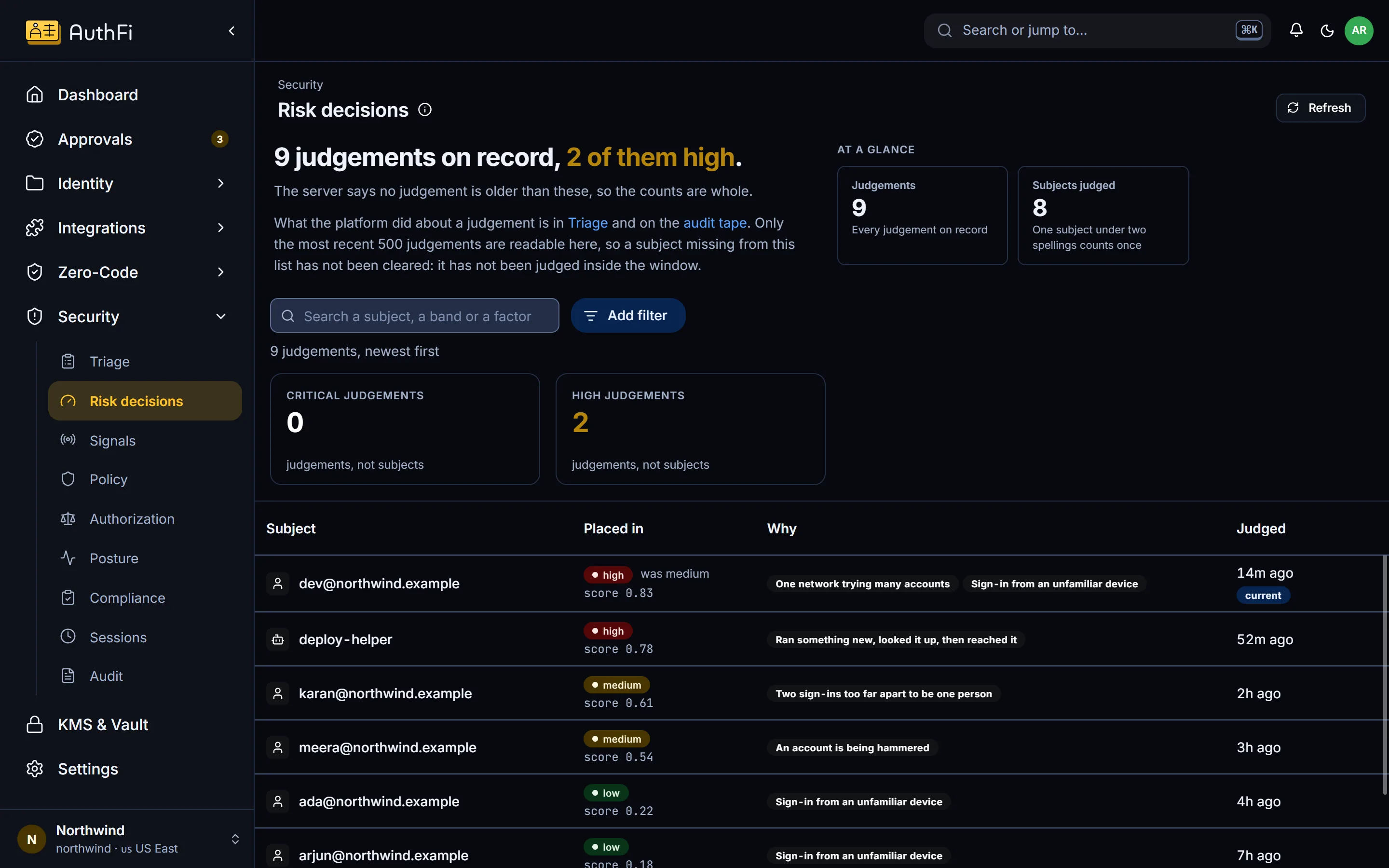
Every judgement, with its reasons.
The platform places a person or an agent in a band: low, medium, high or critical. This screen shows each judgement, its score and the factors behind it.
The factors in words: a new device, passwords tried across many accounts
People and agents in the same list
Says when older judgements exist beyond what is shown
Signals
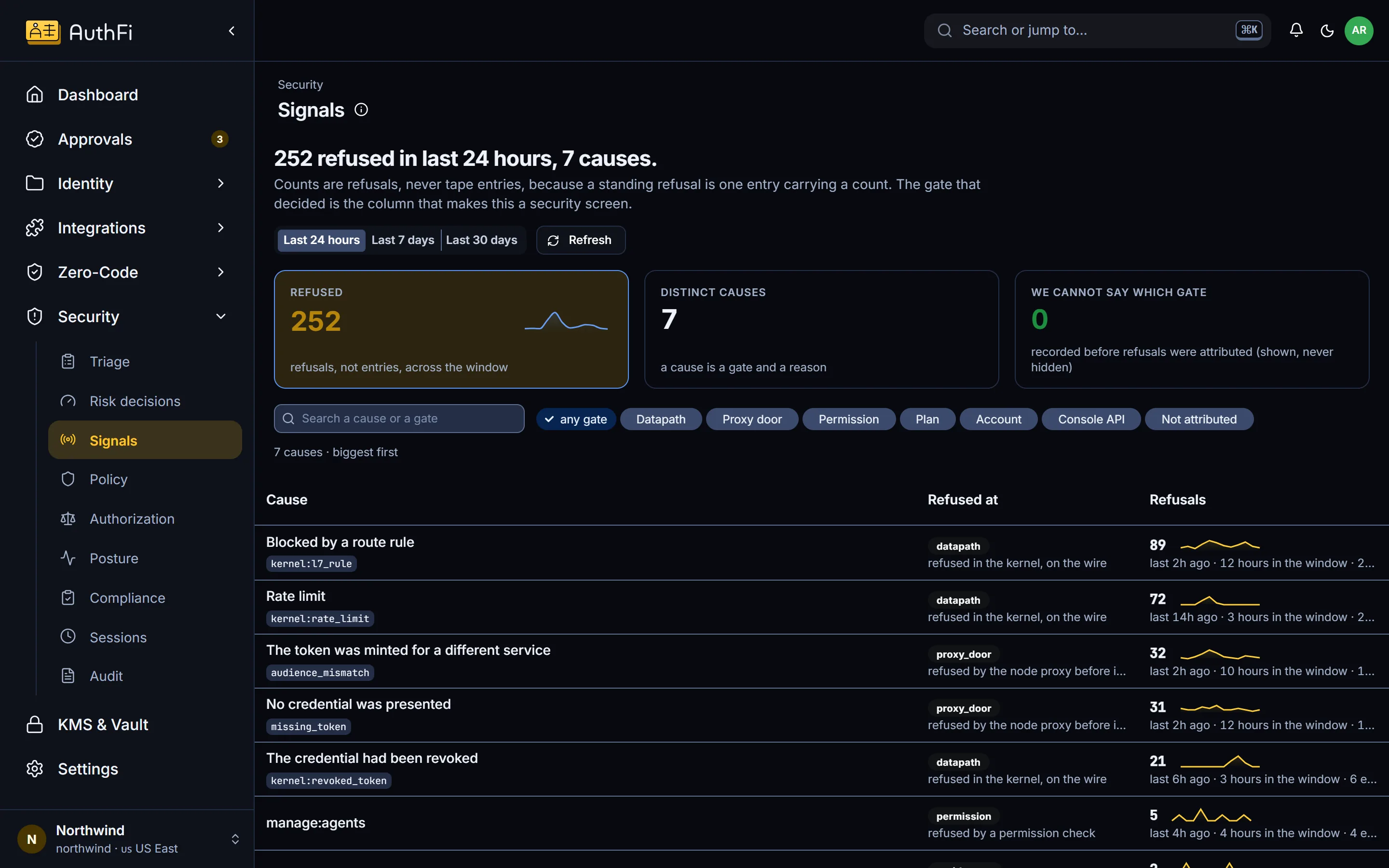
What the platform refused, hour by hour.
The product's claim is that something refuses what should not happen. This is where you see it: every refusal, counted, by the gate that decided and the reason it gave.
By gate: in the kernel, at the node proxy, by a permission, by the plan
By cause: a route rule, a wrong audience, a revoked credential, a rate limit
The last 24 hours, 7 days or 30 days
Decide
What is allowed, whether the rules that say so actually refuse, and how you stand against a framework.
Policy
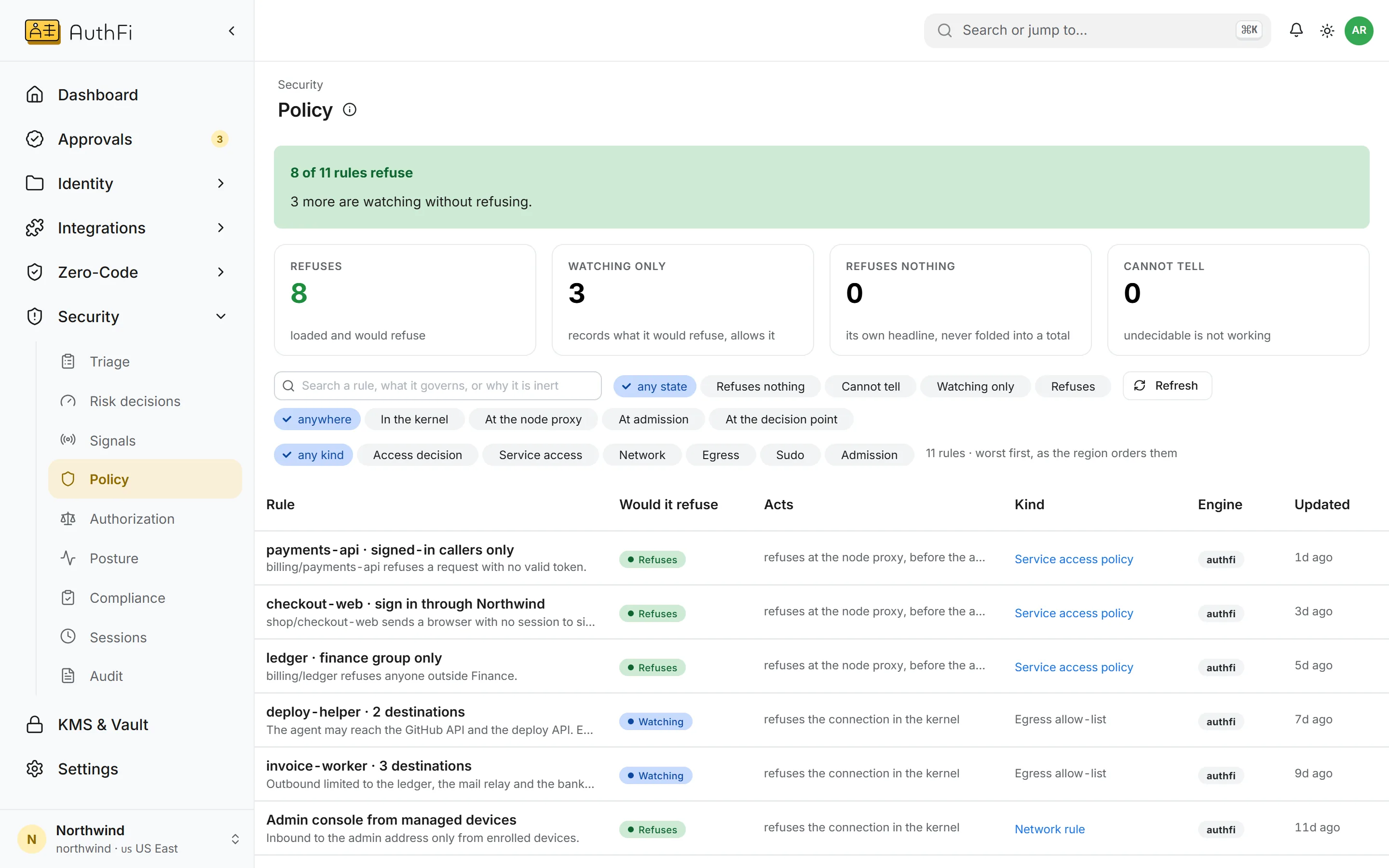
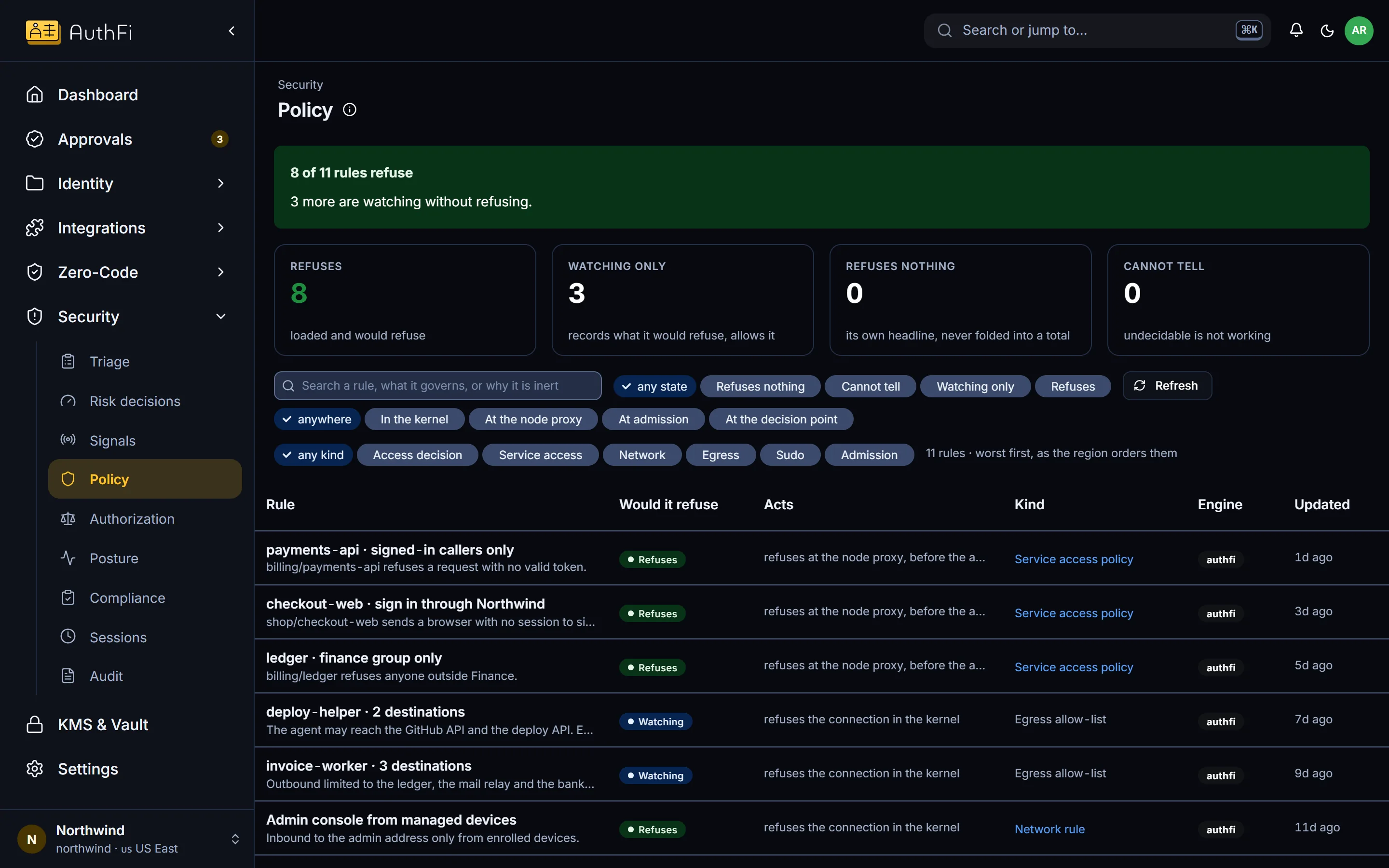
Every rule in force, and whether it would refuse.
Rules live in several places: service access, network, outbound connections, privileged commands, admission and access decisions. This screen reads all of them and gives each one honest state.
Refuses, watching, refuses nothing, or cannot tell
Each rule links to the screen that owns it
Your own Kyverno admission policies are listed too
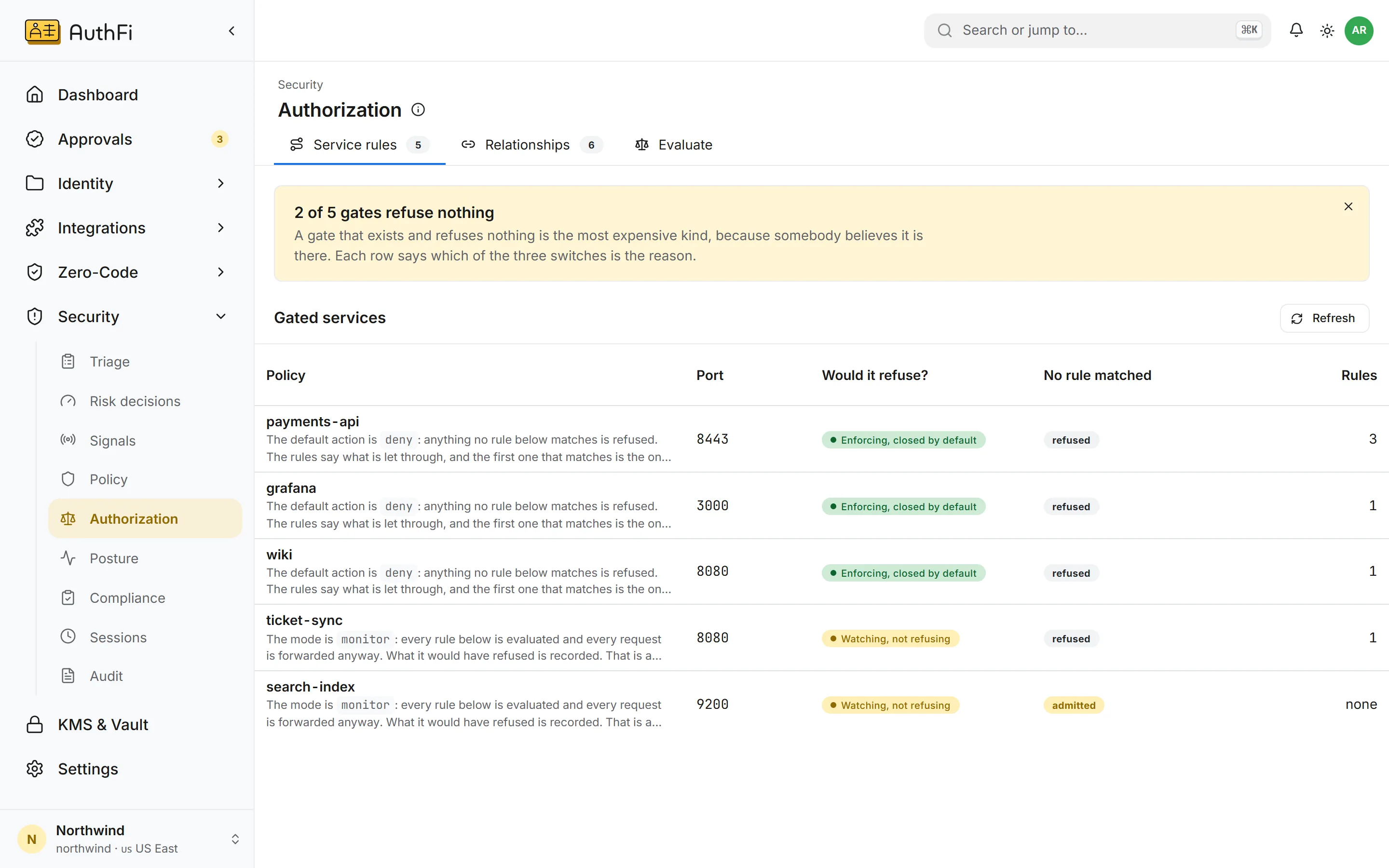
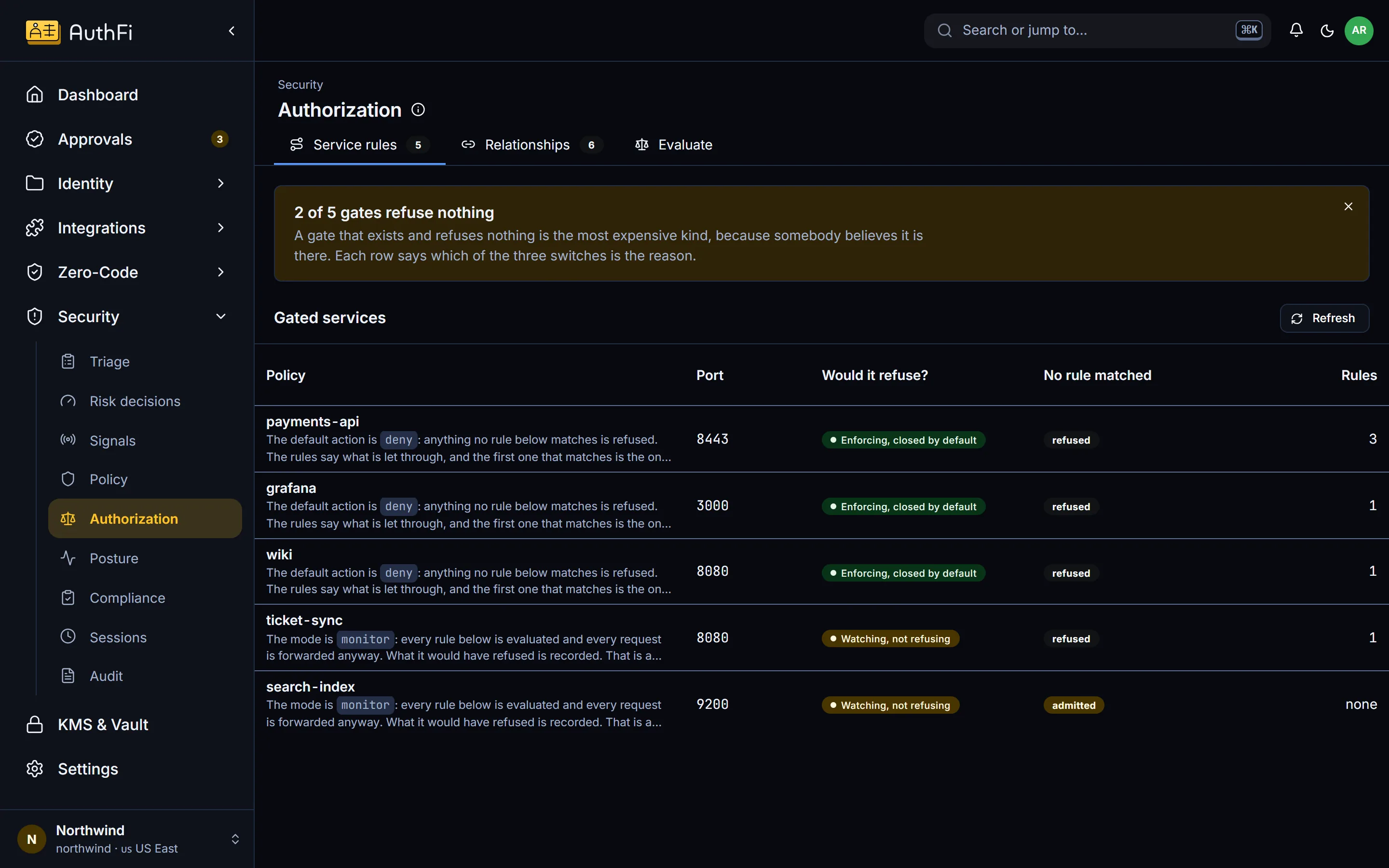
Authorization
The rules in front of each service, and what happens by default.
For every service with rules, see whether it is enforcing or only watching, and whether a request no rule matches is refused or let through. Then ask what would happen to a given caller before you change anything.
Enforcing, watching or switched off, per service
Rules by route: roles, groups, permissions, a second step
Evaluate: ask whether a caller would be allowed, and why
Posture
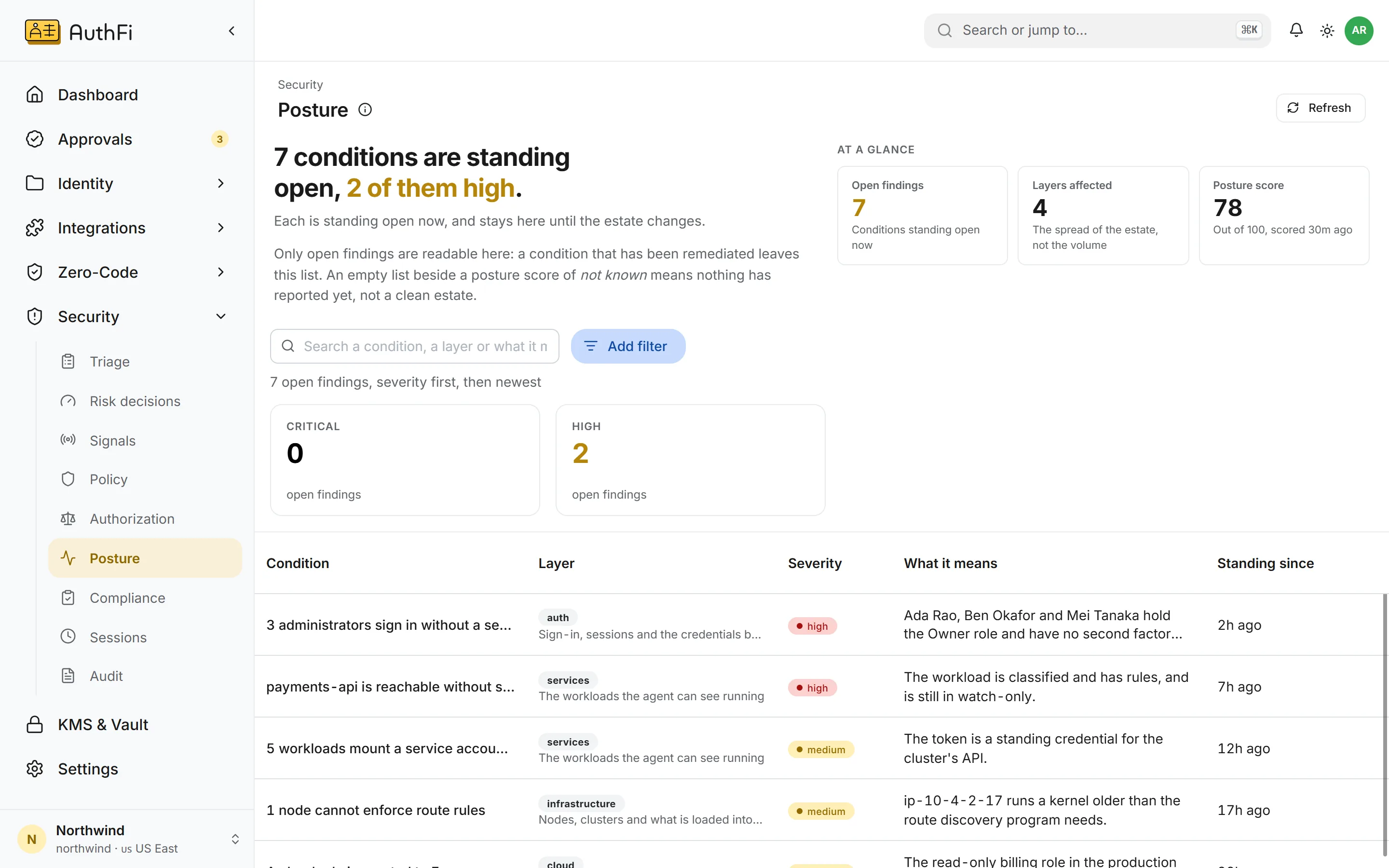
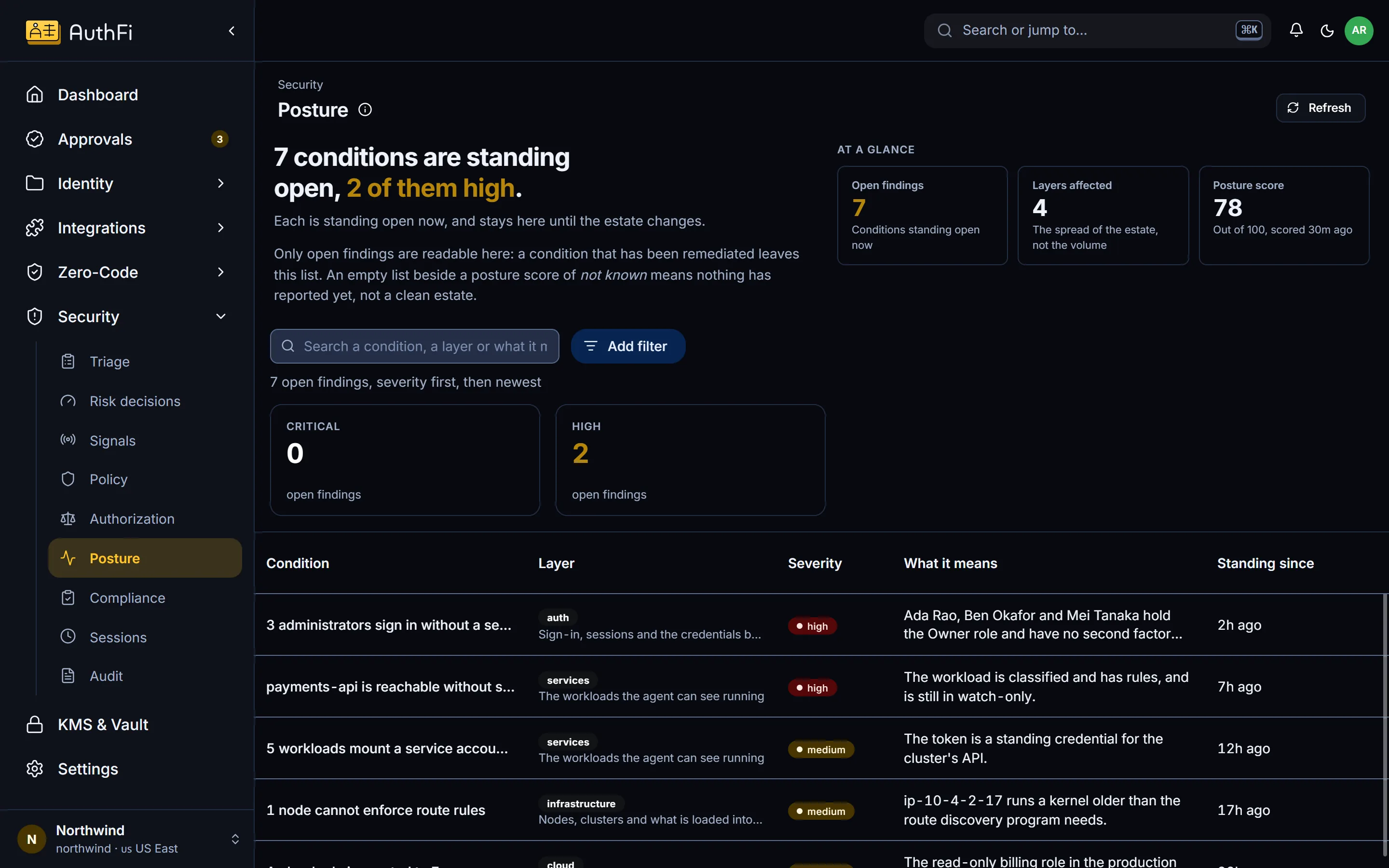
Standing conditions, not a stream of events.
A finding here is a condition that stays open until your estate changes, such as a privileged pod or a server that permits SSH root login.
By layer: sign-in, services, infrastructure and cloud
By severity, so the worst is first
A fixed condition leaves the list
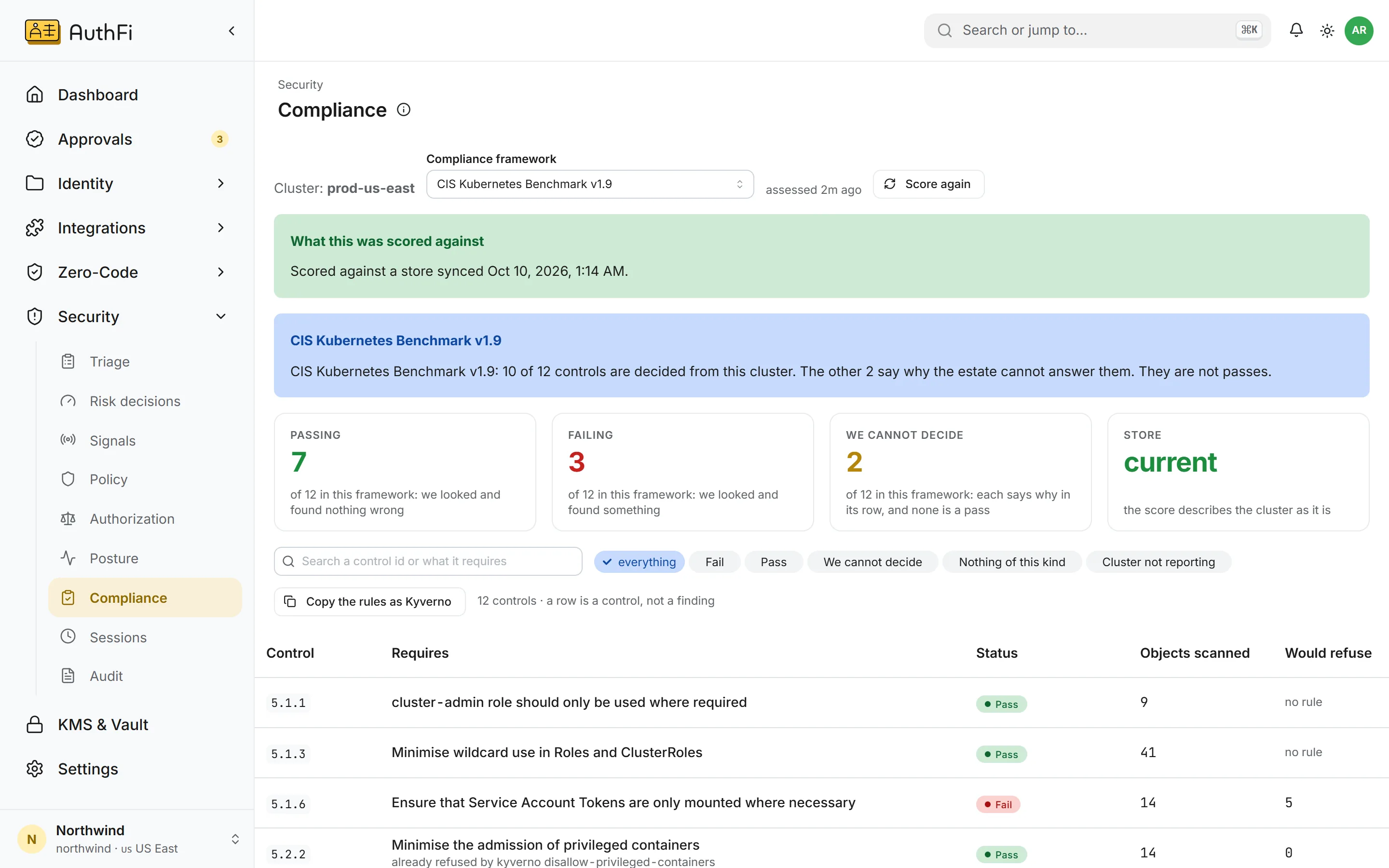
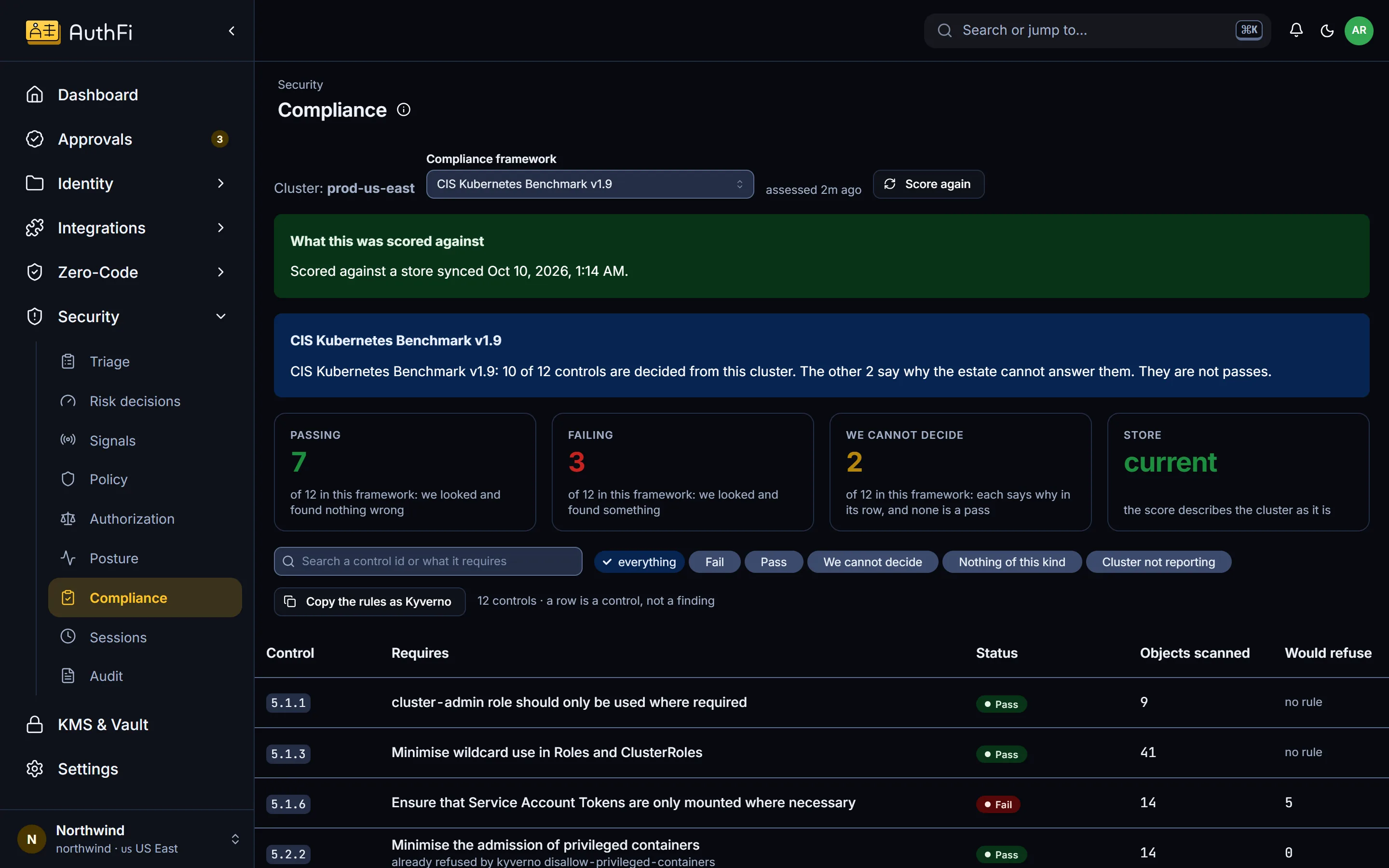
Compliance
A cluster scored against the frameworks you answer to.
CIS Kubernetes Benchmark, SOC 2, ISO 27001, NIST 800-207, PCI DSS, HIPAA and OWASP. Each failing control names the rule that closes it, and the rule can be copied as a Kyverno policy.
Five answers, and only one of them is a pass
How many workloads a rule would refuse, before you enforce
Reads your Kyverno policies and writes the ones you are missing
Prove
Who is signed in now, and who did what.
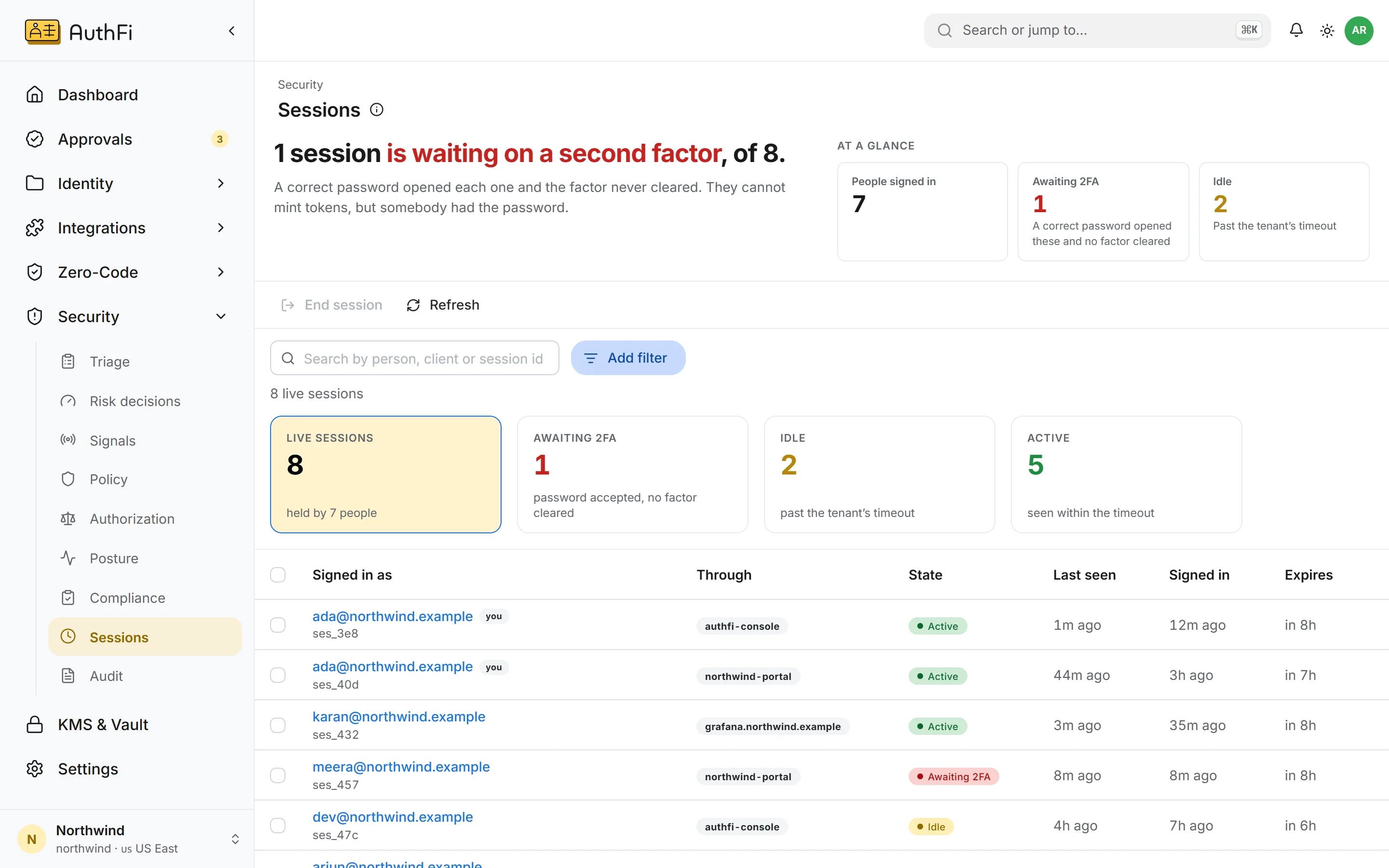
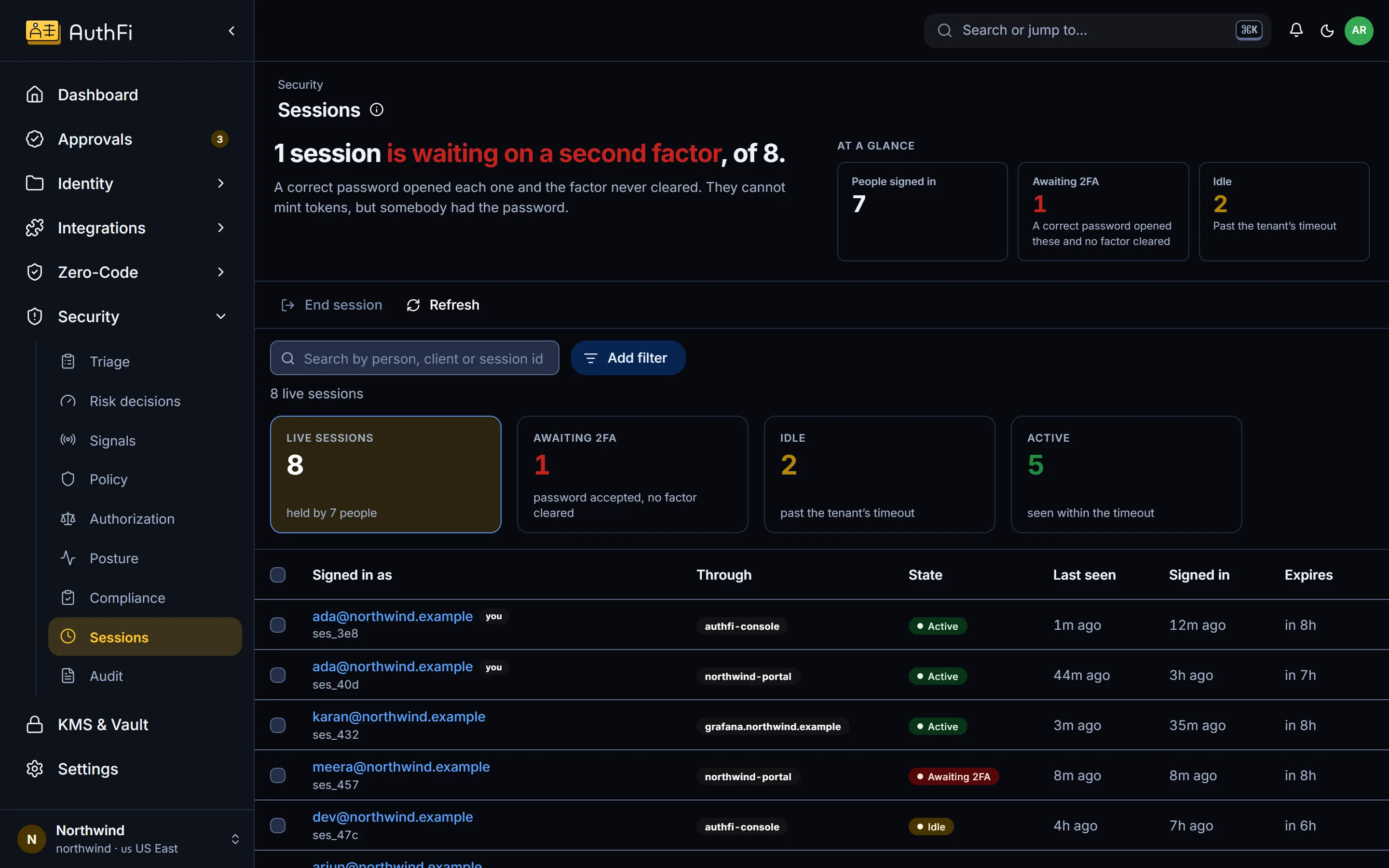
Sessions
Every live session, and the power to end one.
See who is signed in, through which application, and when they were last seen. A session waiting on a second step is called out, because it means somebody had the password.
Active, idle, or waiting on a second step
End one session, or several at once
Says plainly what ending a session does not revoke
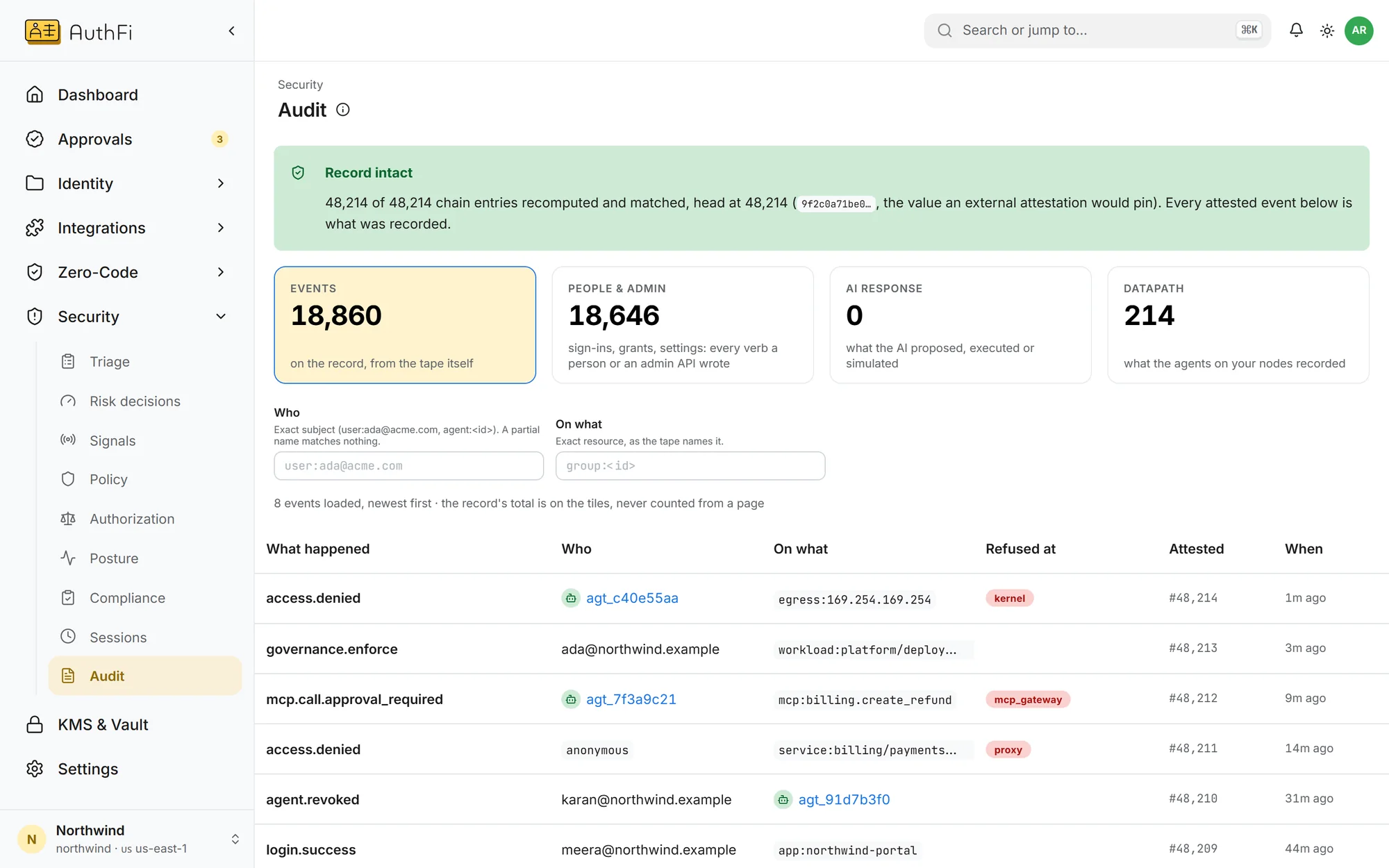
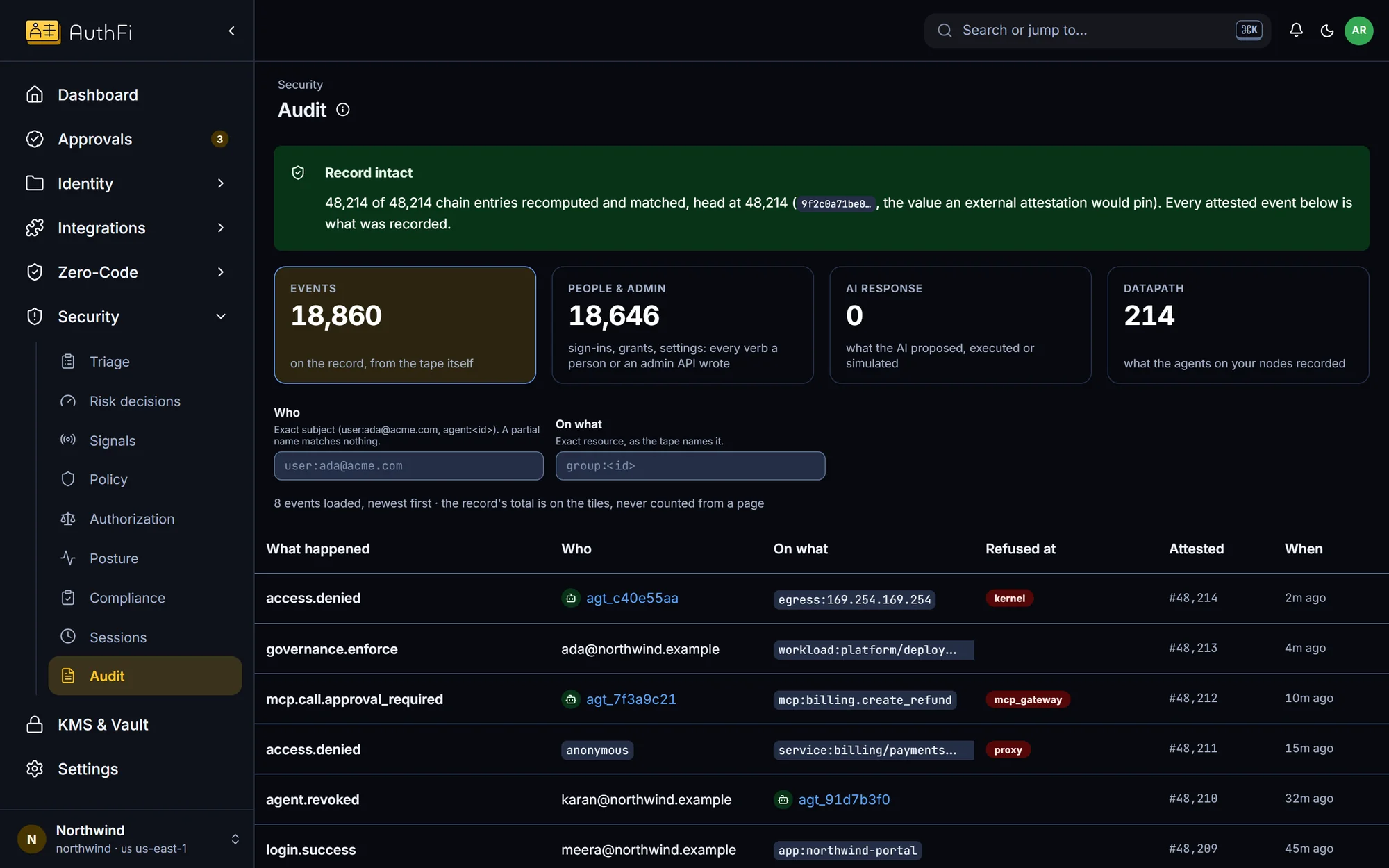
Audit
One record of who did what, and where it was refused.
Every sign-in, grant, approval and refusal for people and agents alike. Entries are chained, and the banner tells you whether the chain is intact.
Filter by person, by action, or by the layer that refused
Each refusal names where it happened
Send it to the log tools you already use
A security console that says what it does not know
A dashboard that is green because it did not look is worse than no dashboard. Four rules every screen above follows.
Watching is not refusing
A rule in watch-only is shown as watching. It is never counted as protection.
What could not be read
If a source did not answer, the screen names it. It does not show a shorter list.
What has not been measured
Detection accuracy is shown as measured or not yet measured, never assumed.
A floor, when it is a floor
When older entries exist beyond what was read, counts say “at least”, not a total.
Security, layer by layer
Every control on the platform, by what it protects. Each group opens the page that shows it working.
Signing in
- Passkeys, so there is nothing to phish
- A second step, on every plan
- Lockout after repeated failures from one IP address
- Passwords found in known breaches are refused
- Sessions can be listed and ended
AI agents
- Their own key, never a shared secret
- Tokens that last minutes
- Limits on each permission
- Approval by a named person
- One off switch, pushed to every enforcement point
Services
- Sign-in in front of any service, with no code
- Access tokens checked for the service they were issued for
- Rules per route, by role and group
- Outbound connections limited to what was granted
- Refusals on the node itself
Clouds and servers
- AWS and Google Cloud roles with no stored keys
- Server certificates that last five minutes
- Rules for privileged commands
- One grant that follows the group
Keys and secrets
- Signing keys per project
- Rotation that signs nobody out
- Secrets sealed on arrival, never shown again
- A secret sealed for one project cannot be opened by another
Your data
- Kept in the region you choose, or your own cloud
- Each customer’s data isolated from every other’s
- Encrypted in transit, and secrets sealed before they are stored
Knowing what happened
- One record for people and agents
- Each refusal with the layer that refused it
- A chained record, so tampering shows
- Export to your own log tools
- Findings a person confirms or dismisses
Found a weakness?
- Write to [email protected]
- Tell us what you found and how to repeat it
Give every AI agent
a boundary
A prompt injection, a bug or a stolen credential can turn an agent against you. Inside a boundary it can only reach what you granted. Nothing you did not grant can reach it either. The wall is the kernel of the machine it runs on, so the agent cannot argue with it.
Below the agent
The rules run as eBPF programs in the Linux kernel. The agent’s code, its model and its prompt all run above them and cannot edit them.
Nothing to cooperate with
No SDK in the agent, no instruction in the prompt, no guardrail the model has to respect. The agent does not need to know the rule exists.
It works both ways
The wall faces outward too. A person, a service or another agent that was not granted is refused before the request reaches the agent.
Refused before it happens
A connection that was not granted never leaves the machine. It is stopped, then recorded. It is not noticed afterwards in a log.
Where each part stands
Marked as it is in the console, so nothing is called finished before it is.
How AuthFI itself is securedAll fourteen partsTen available, four in pilot
Signals: refusals by gate and cause
Policy: every rule, and whether it would refuse
Authorization: service rules and evaluate
Compliance: cluster scored against nine frameworks and AuthFI's AI baseline
Kyverno policies read and written
Sessions, with end session
Audit record, chained so tampering shows
Export to your log tools
Lockout after repeated failures from one IP address
Pushed revocation events
Triage: findings from sign-in behaviour
Triage: findings from what runs on the host
Risk decisions
Posture findings