Keys and secrets · in every plan
Every project signs with its own keys.
Signing happens inside the key service. No application, and no one at AuthFI, is handed a private key. The console shows what each key is for and never the key itself.
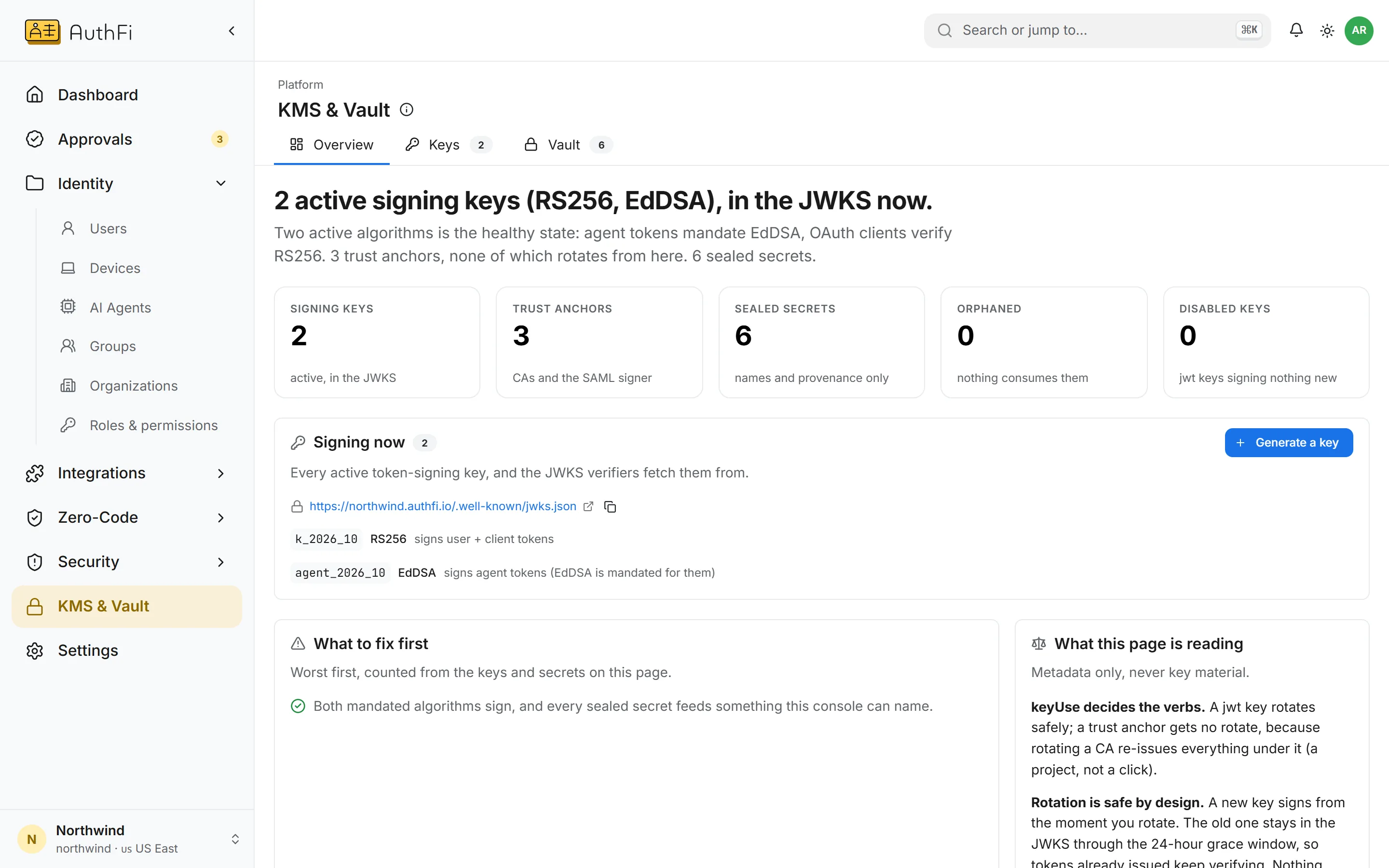
Keys and the vault
What each key signs, when it was rotated, and the secrets sealed for gateways and connections. Only names and dates are shown.
Keys
A key for each job.
One project’s keys sign nothing for another. Each key has one purpose, and the console only offers the actions that are safe for it.
Rotation
Rotate a key without signing anyone out.
A new key signs from the moment you rotate. The old one stays published for 24 hours, so tokens already issued keep verifying.
Disabling a key is the emergency stop, and the console says so
An authority key is never rotated by accident
Verifiers fetch public keys from one standard address
/.well-known/jwks.jsonVault
Secrets go in. They do not come back out.
The credentials your gateways and connections need are sealed on arrival. The console lists their names and what each one is for, and nothing more.
A tool’s credential stays inside the gateway that uses it
A secret sealed for one project cannot be opened by another
Nothing on the page can reveal a value
Where each part stands.
Signing keys per project
Rotation without breaking sessions
Public keys at a standard address
SSH and service certificate authorities
Sealed secrets for gateways and connections
Secrets bound to the project that owns them
Bring your own key
Hardware security module