Solution · Identity and access
Zero-Code puts sign-in in front of every internal tool, without touching it.
Zero-Code is our own technology. Dashboards, admin panels and internal APIs get single sign-on and access rules from one install on the cluster.
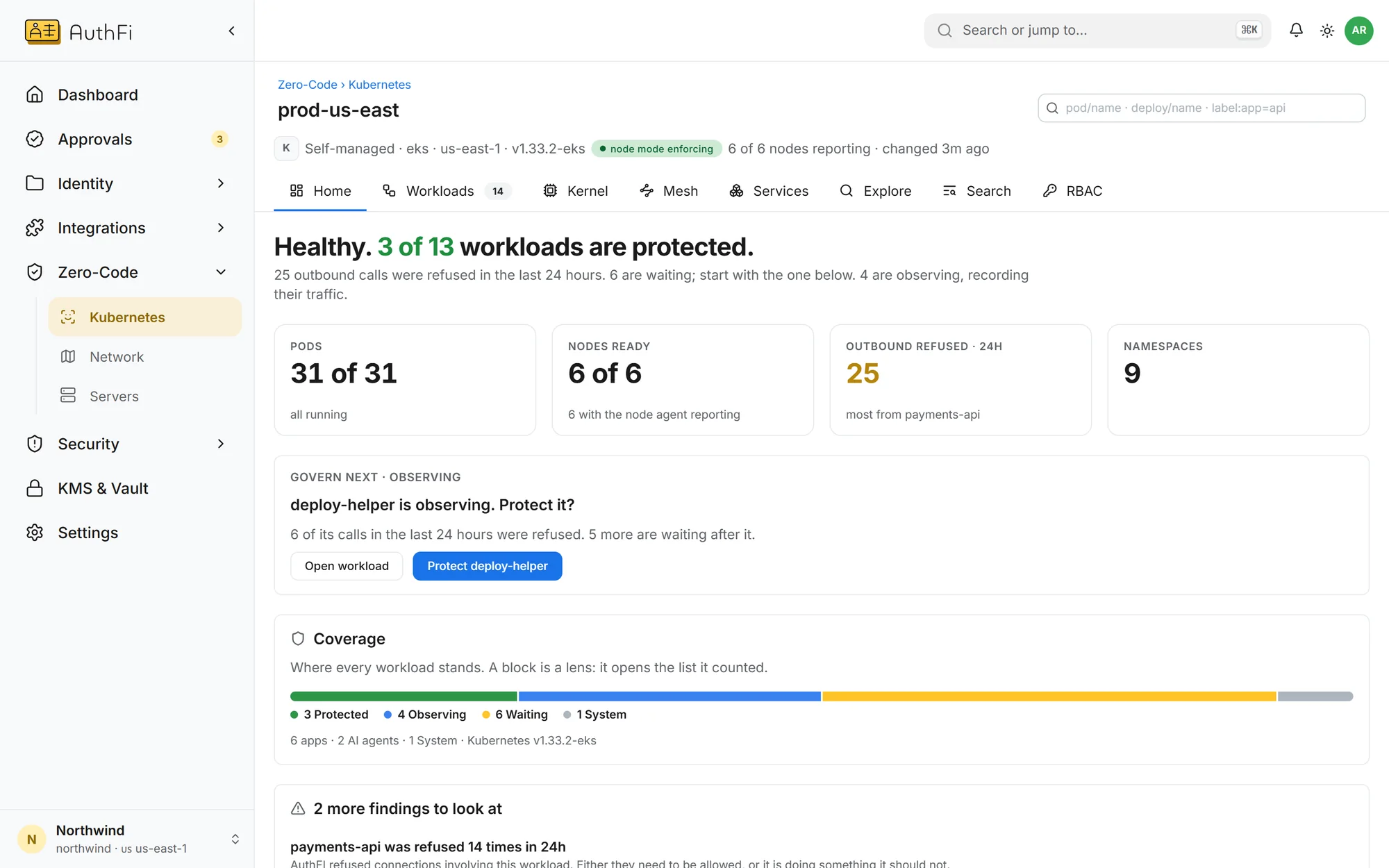
A cluster, after one install
The cluster reports itself: how many workloads are protected, how many are being watched, and which one to do next.
What changes
The problem as most companies have it today, and the same thing with AuthFI.
How it works
Each step, on the screen you would use.
Discover
See everything that is running.
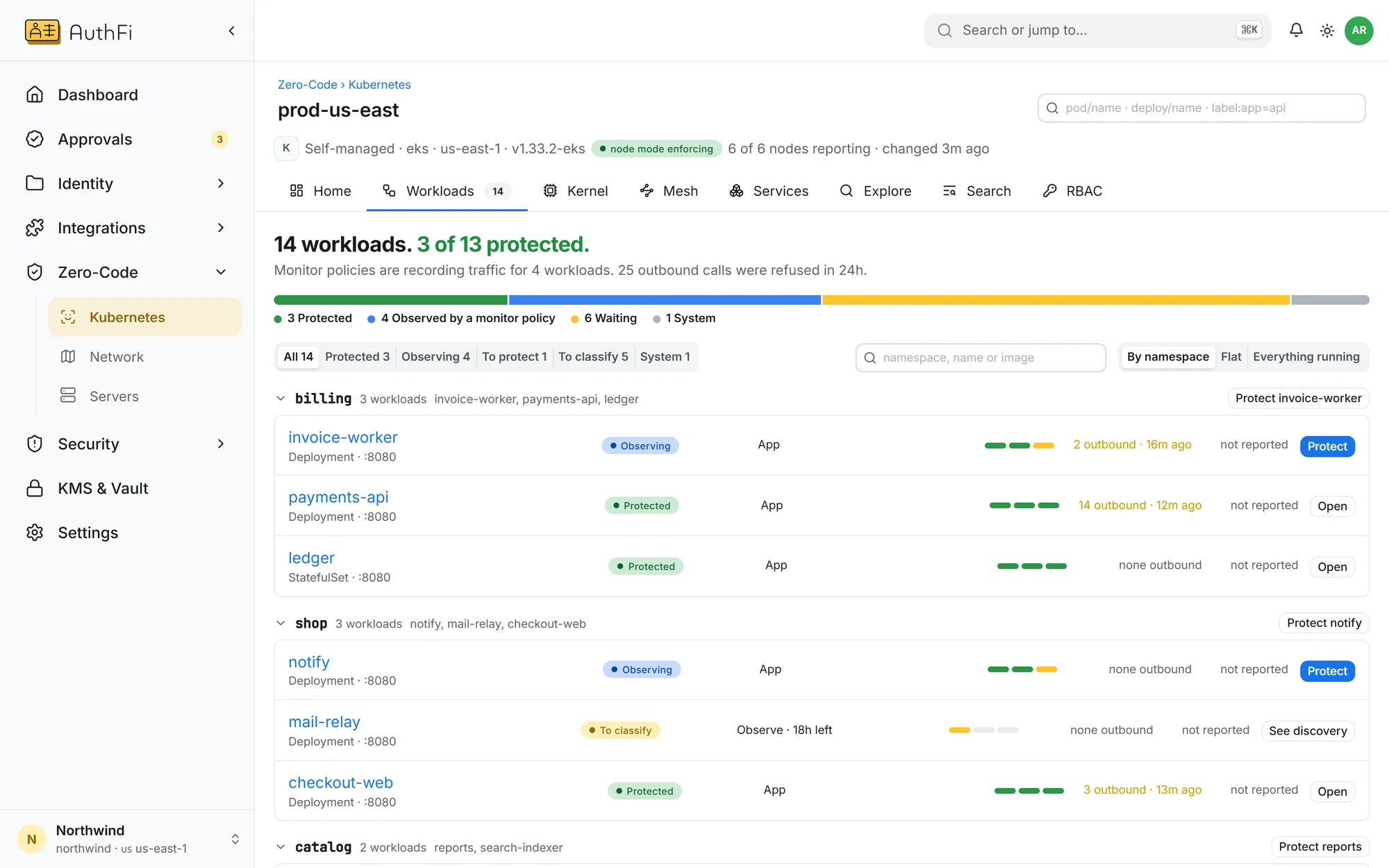
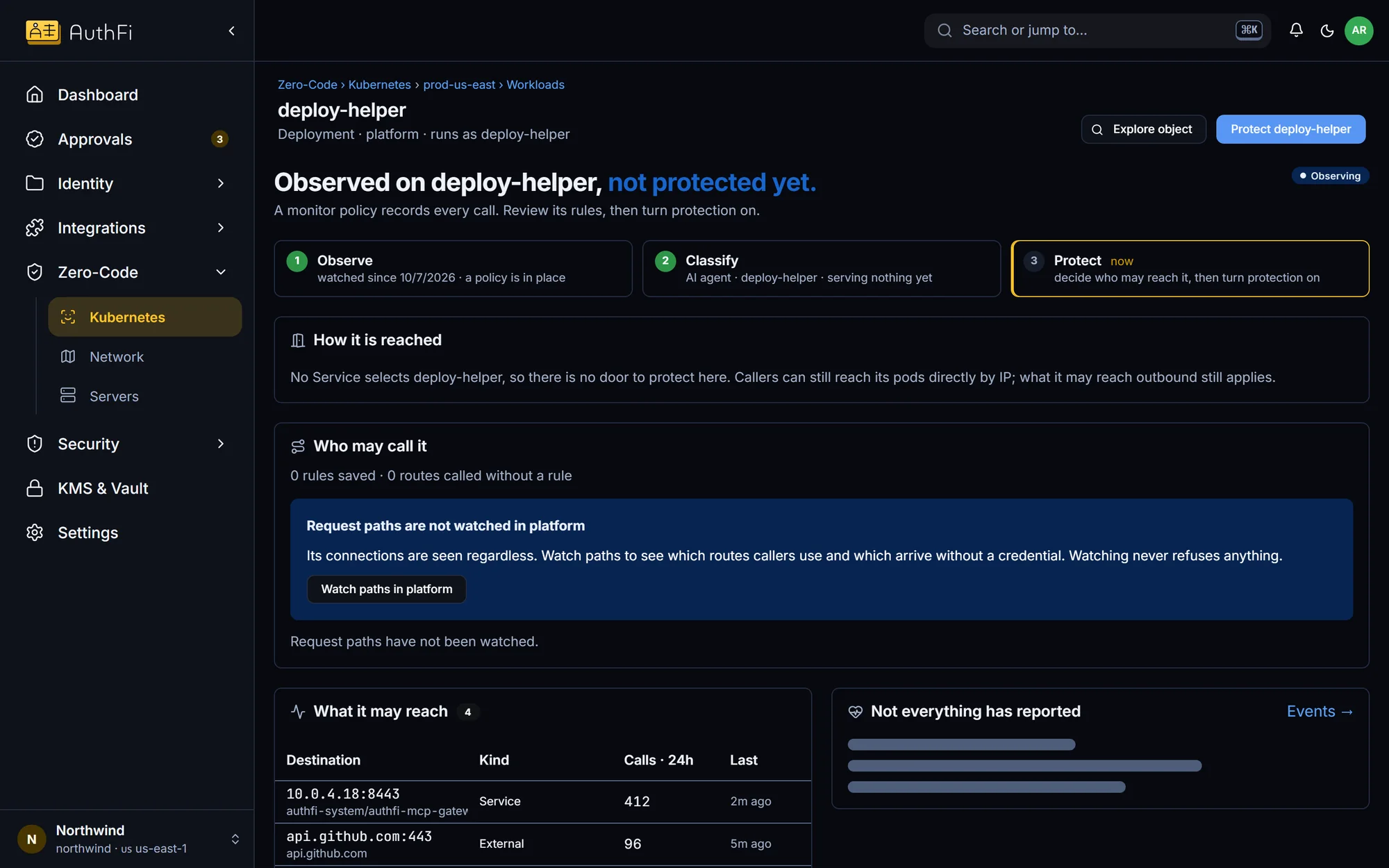
Once installed, every workload and the routes it serves are listed, with what is protected and what is not.
No sidecars, nothing added to pods
Routes found from real traffic
Protected and unprotected, side by side
Protect
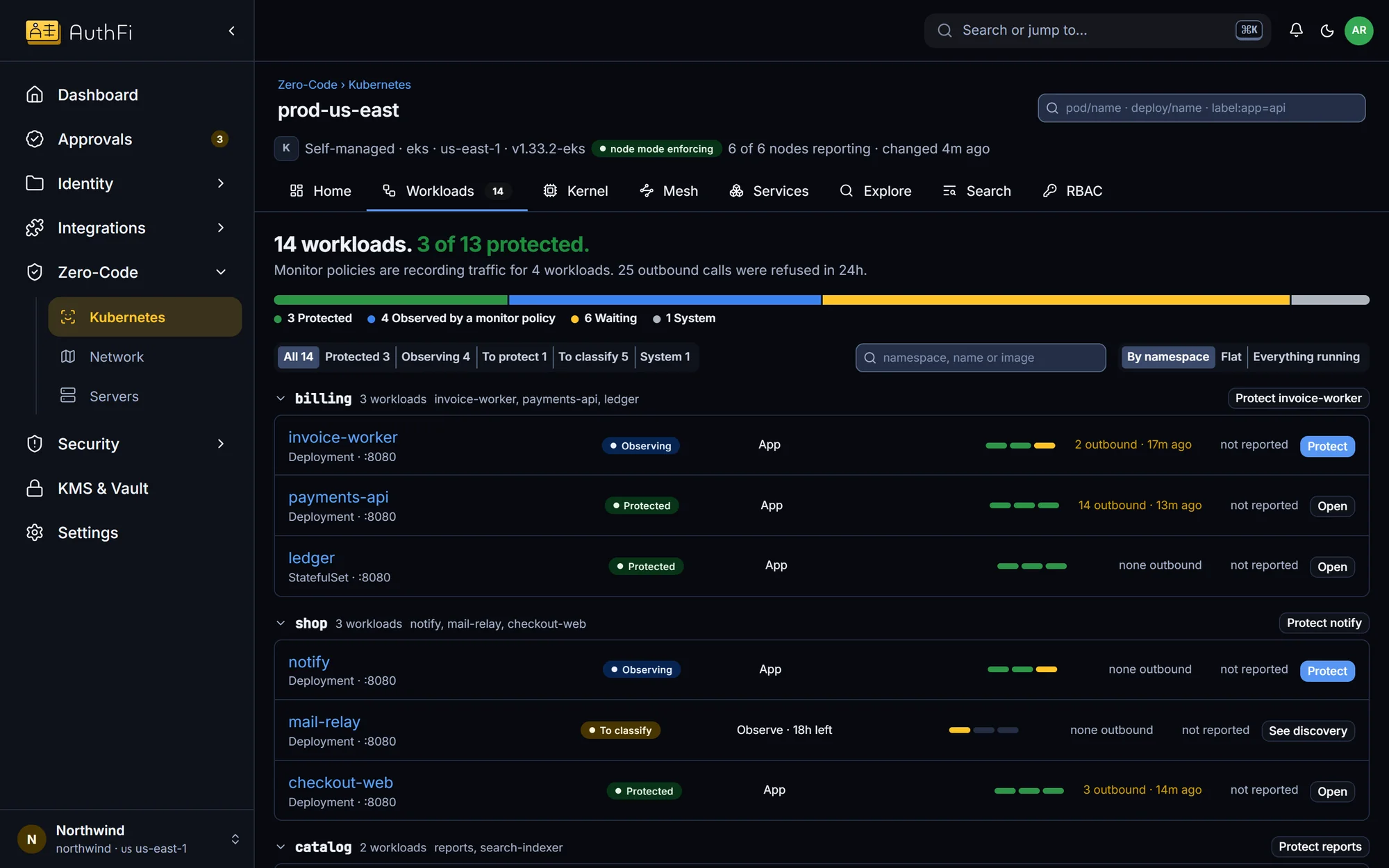
Choose who gets in, then switch it on.
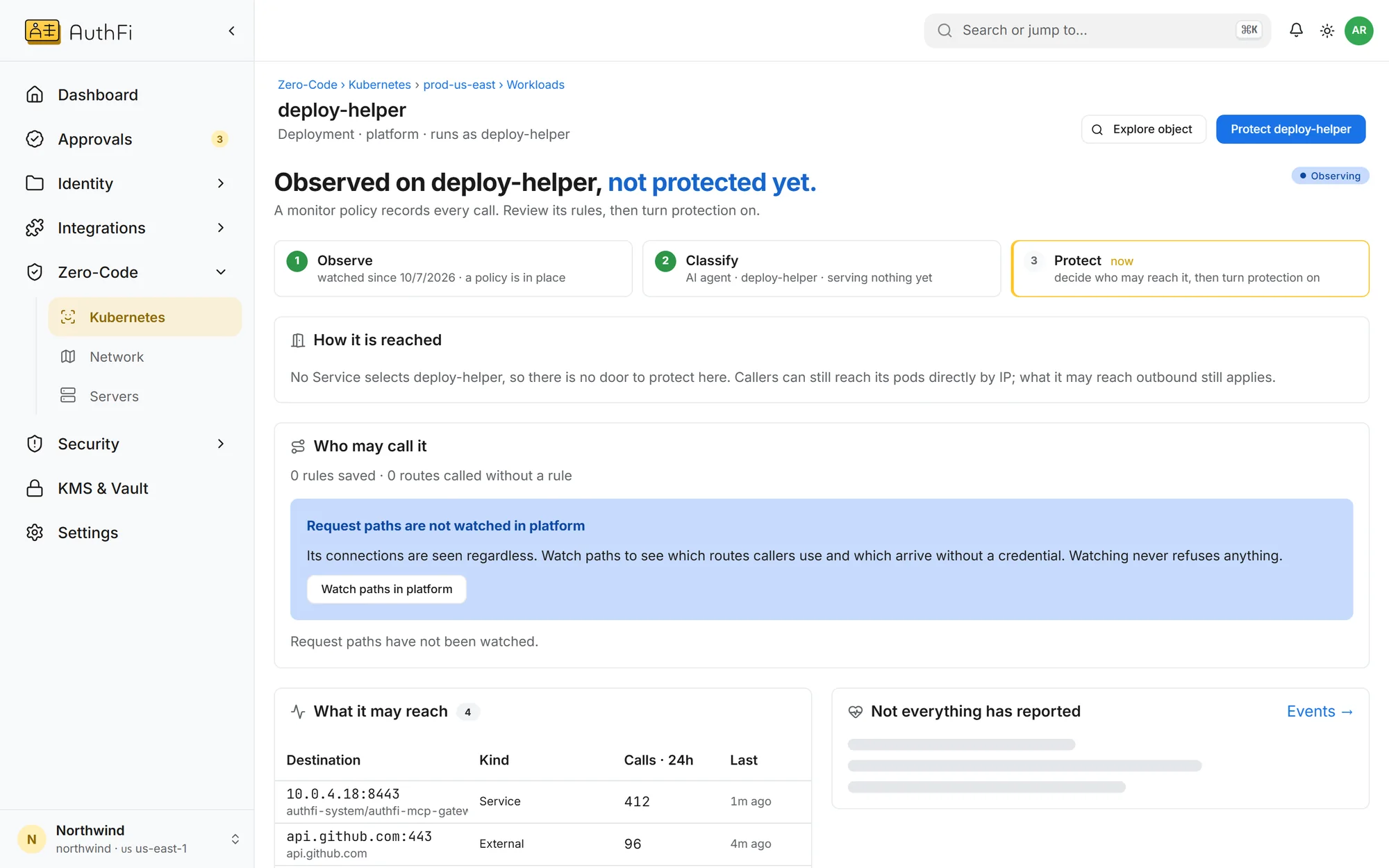
Give a service a hostname and assign groups to it. Rules start in watch-only, so you see what would be refused before anything is.
Watch first, then enforce
One service at a time
Refusals written to the record
Read on
Runs on Kubernetes on Linux. Nothing is refused until you switch a service to enforce.
Zero-Code
How it works, and its limits
OpenZero-Code docs
Requirements and the three steps
OpenWorkforce identity
Accounts, groups and single sign-on
OpenMore in Identity and access
Workforce identity: a modern IdP
Single sign-on, provisioning, passkeys and devices, on open standards, with users included in the plan.
See howCloud and server access with no stored keys
Short-lived cloud roles and server sessions, granted by group.
See howSign-in for the product you sell
A hosted sign-in page under your brand, with organizations for your customers.
See how